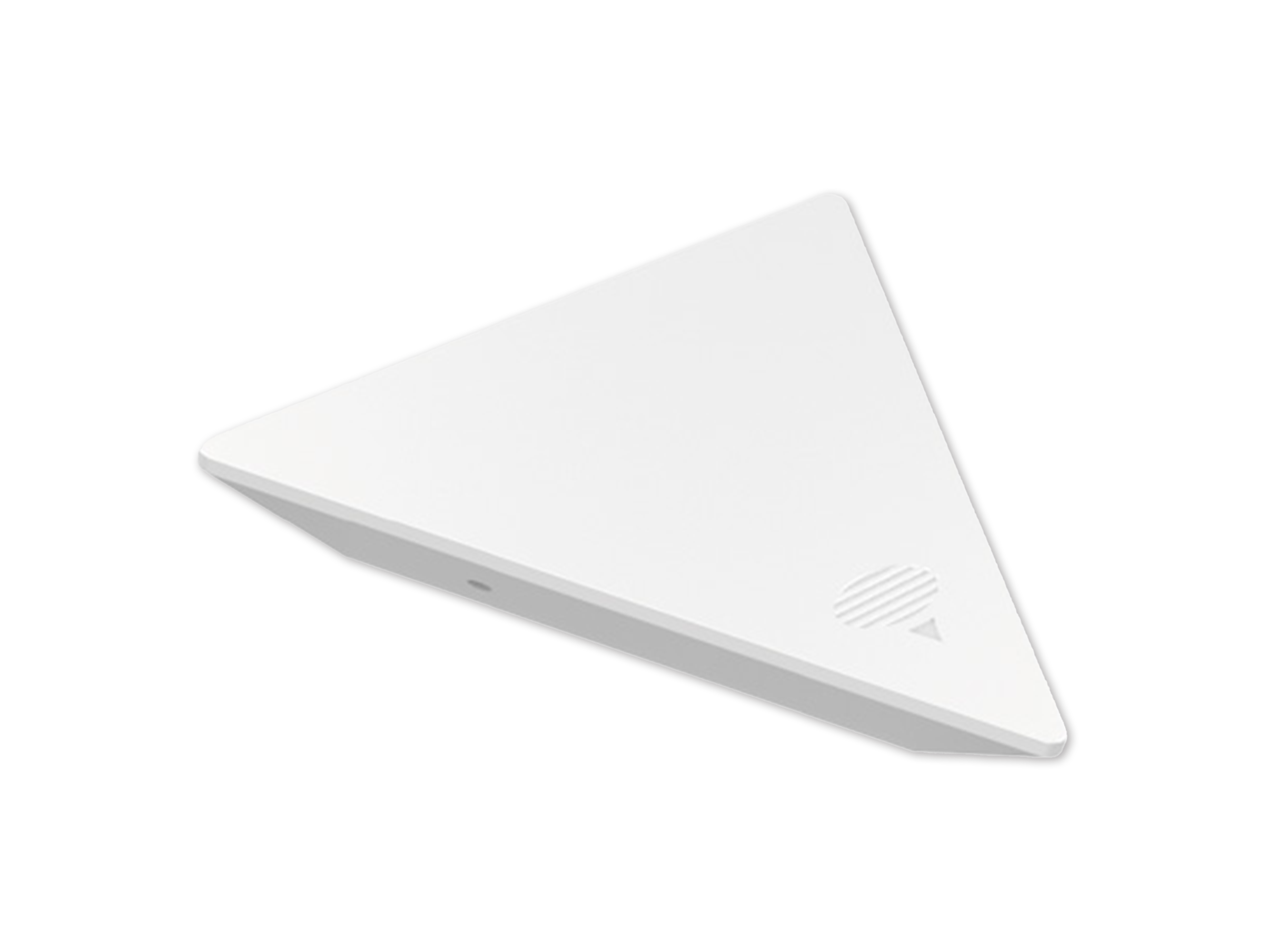
Radar Sensor (Triangle) 24G
Product Code:
YO205DC (R2W)-24G
Features
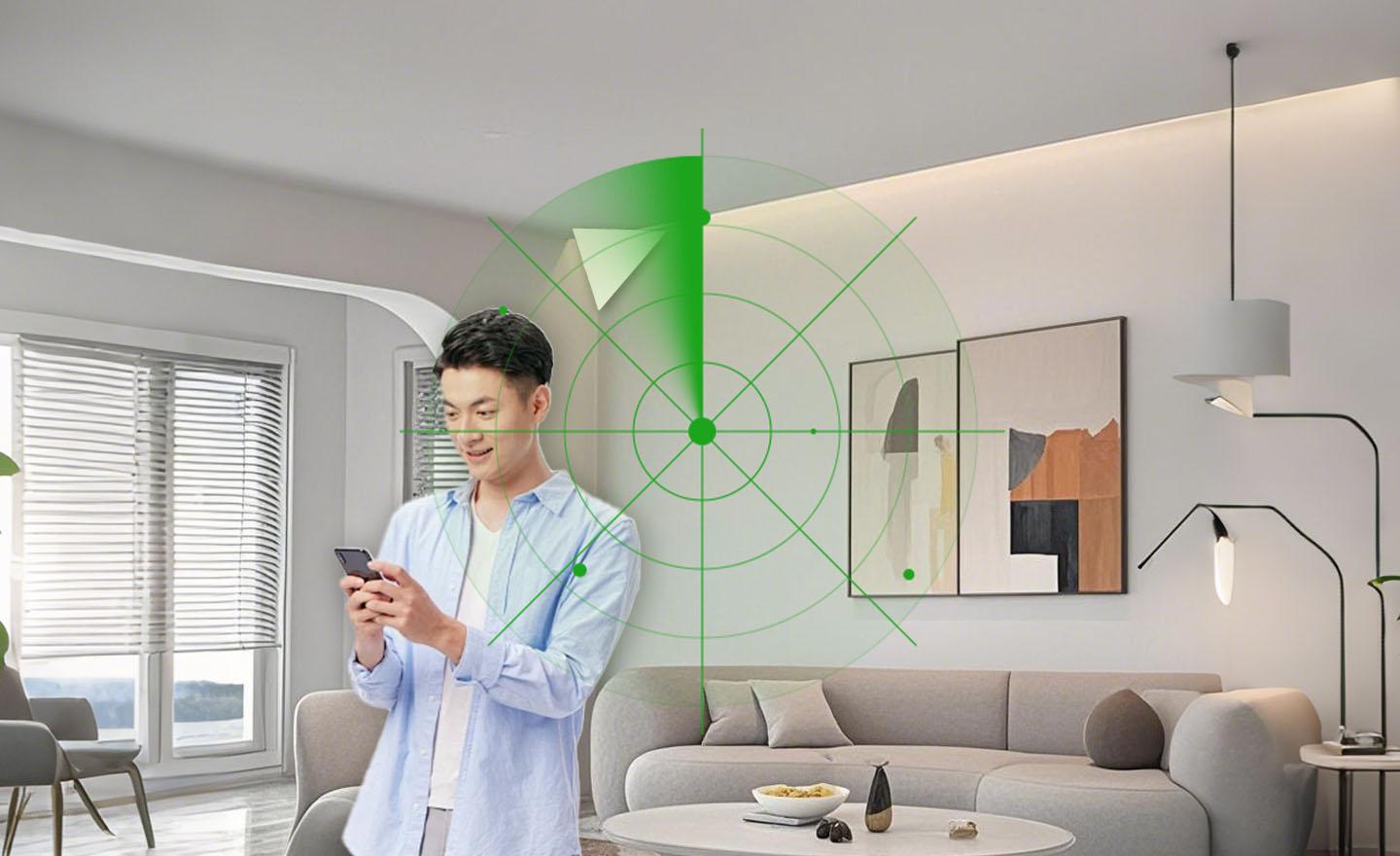
- Accurate Detection
- Wireless Installation
- Customizable Parameters
- Precise Range Measurement
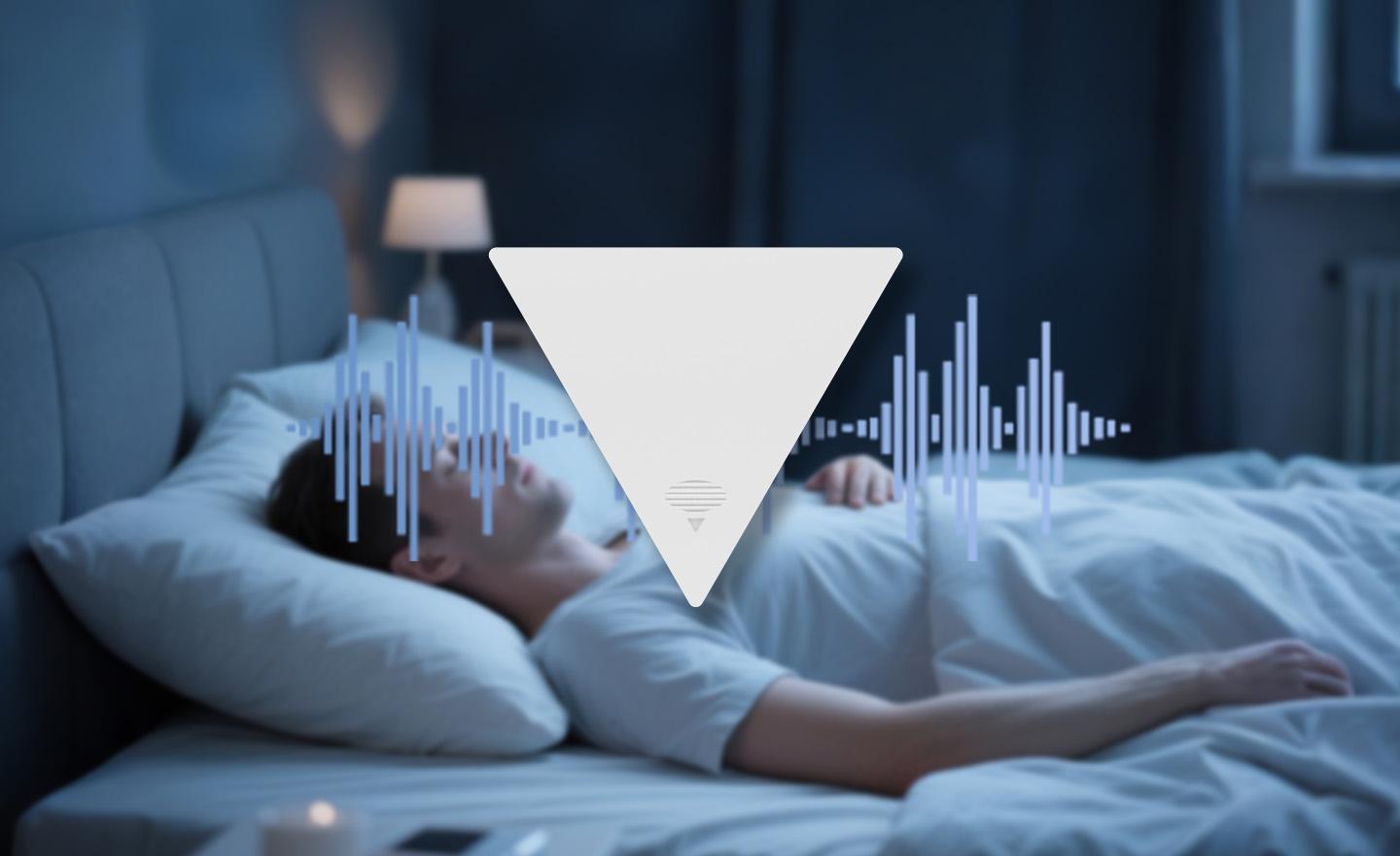
- Adaptability and Penetration
- Seamlessly Integrates with RCU
- Synchronized Sensing Technology
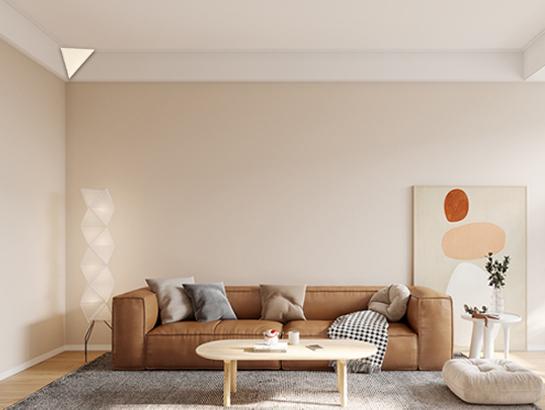
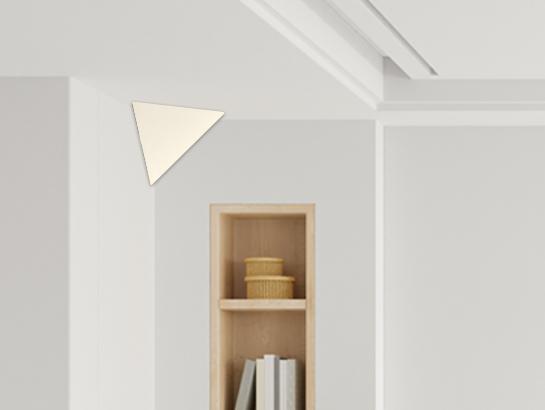
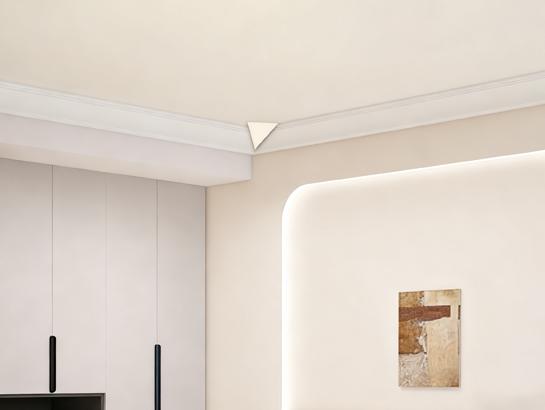
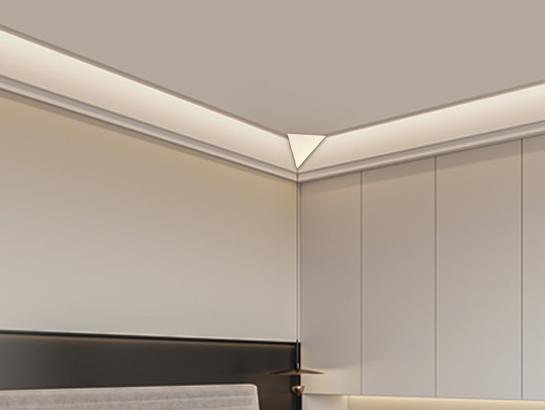
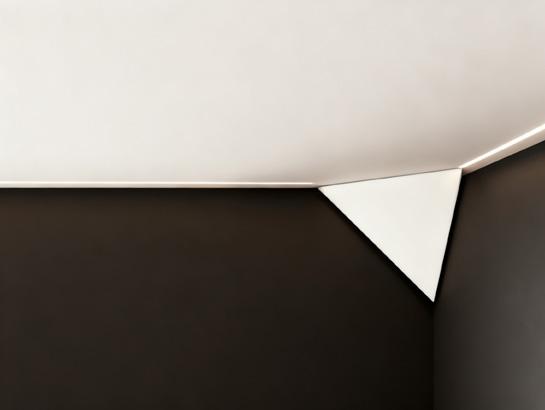
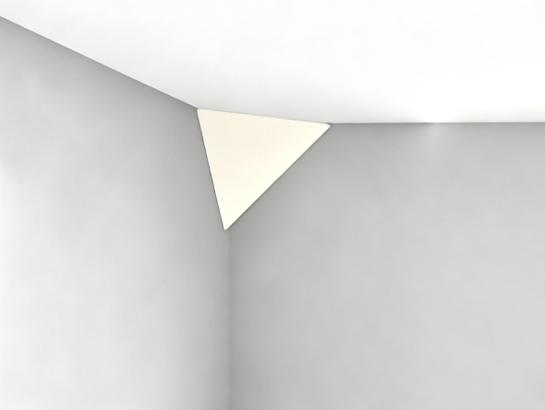
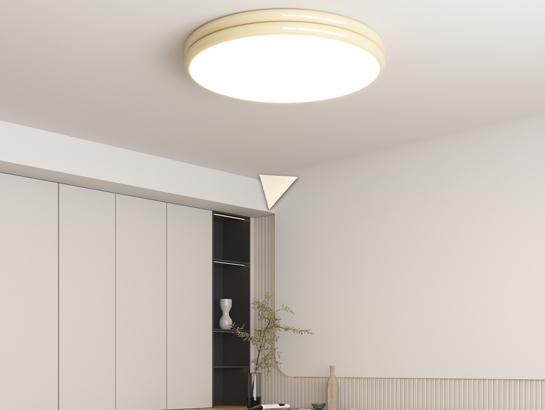
- Embedded and Triangle Installation Options
Choose Color
Features
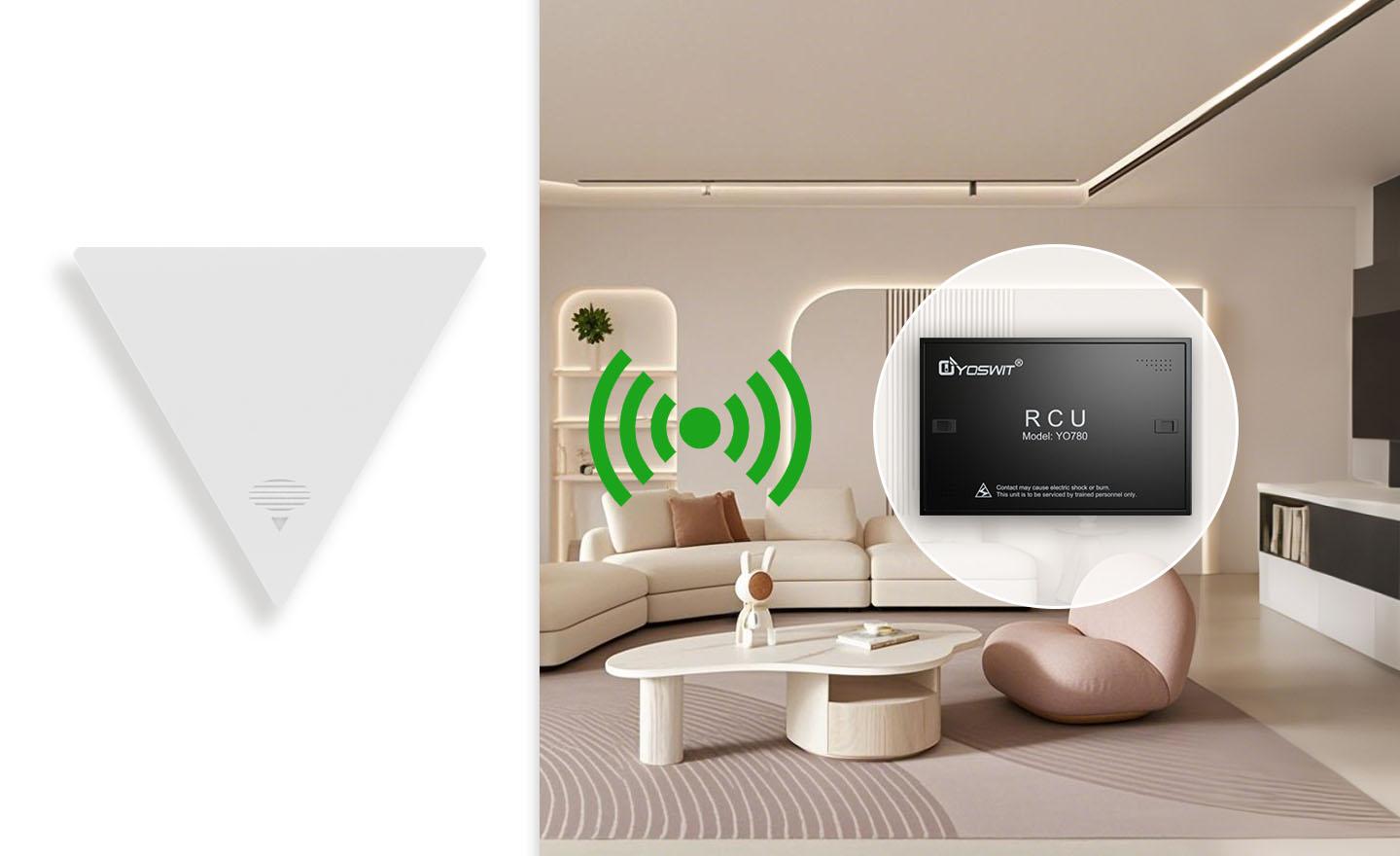
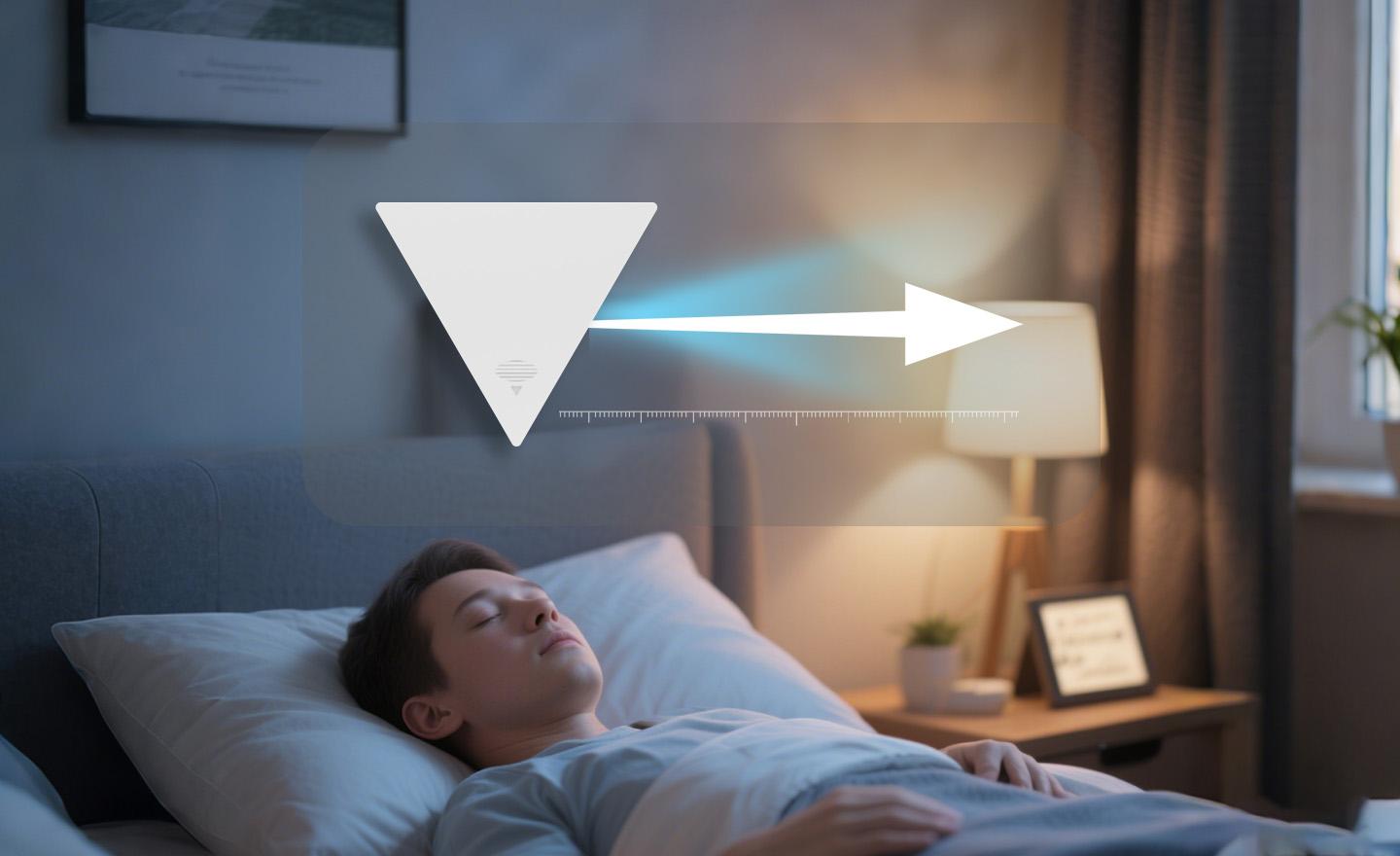
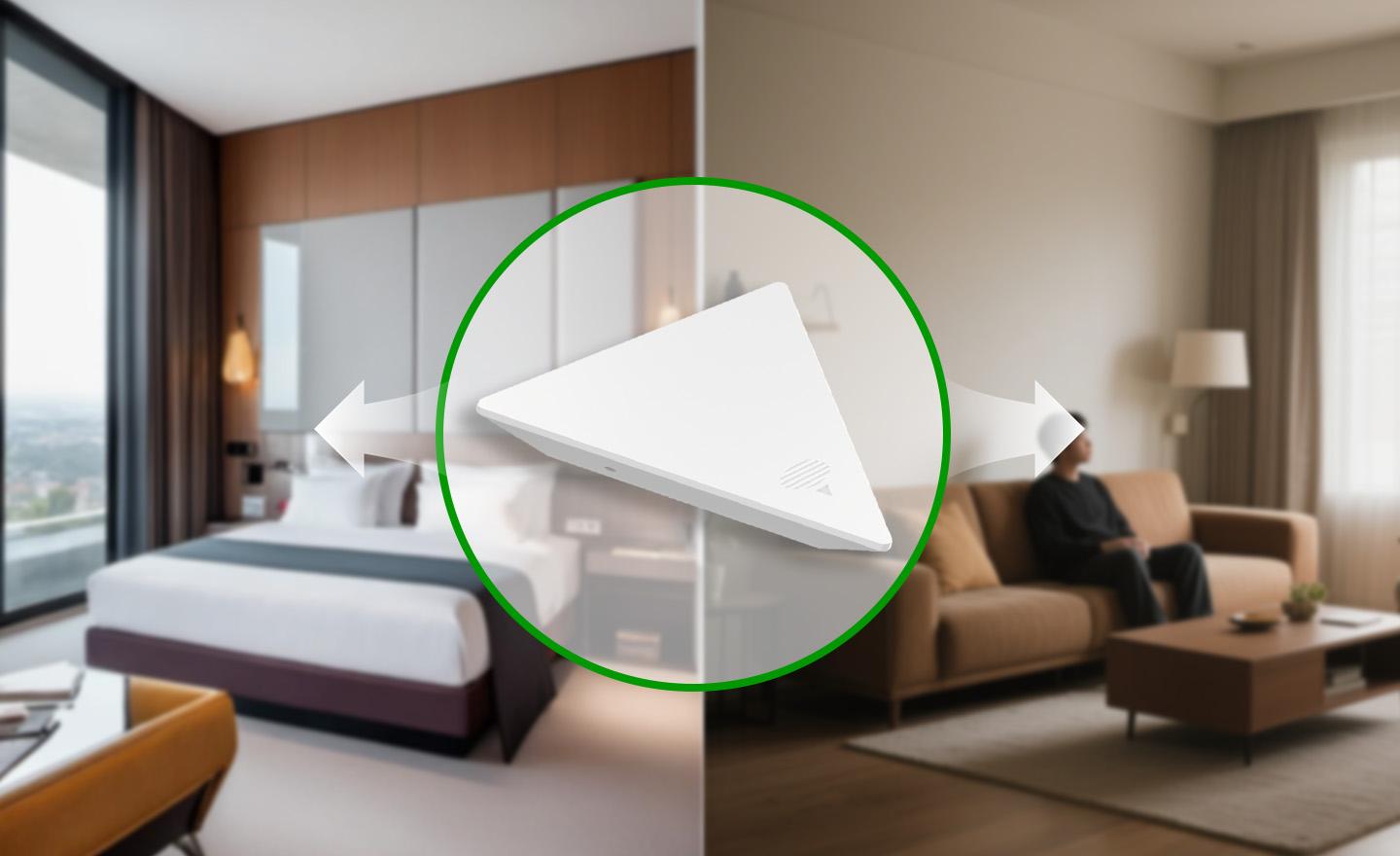

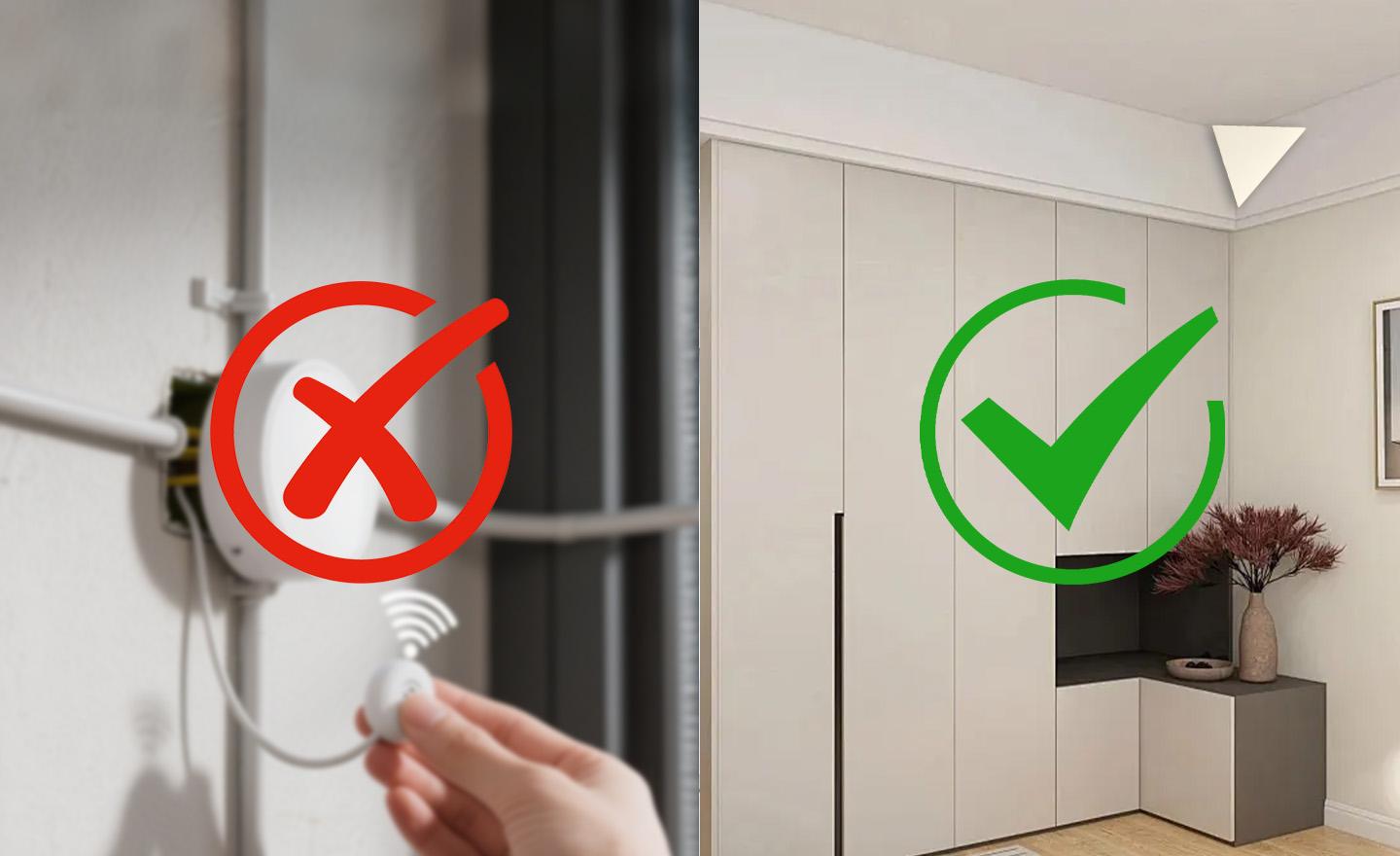
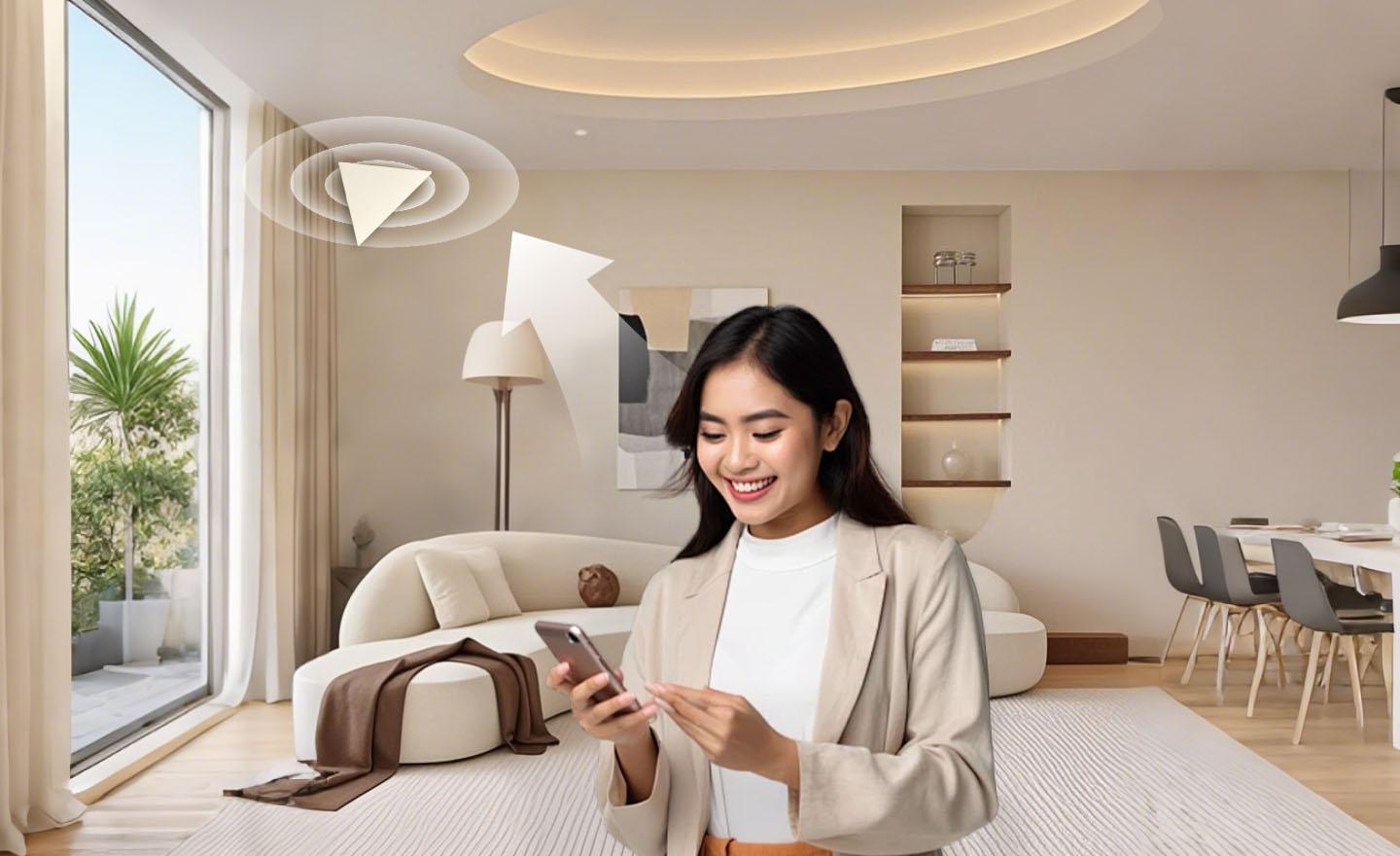
Retrofit Compatibility
Designed for room-by-room upgrades in existing projects with minimal rewiring.
Product Ecosystem
Works with the Yoswit Smart Ready series for unified management.
System Integration
Integrates with apps, PMS, access control, and third-party systems on a project basis.
Communication Spec
Bluetooth 4.2 BLE low-power communication.
| General | ||
| Product Name |
Yoswit Radar Sensor (Triangle)
|
|
| Model |
YO205DC (R2W)-24G
|
|
| Revision |
V1.0
|
|
| Manufacturer |
Designed by Yoswit in Hong Kong, China / Assembled in Guangdong, China
|
|
| Dimensions | ||
| Product Size |
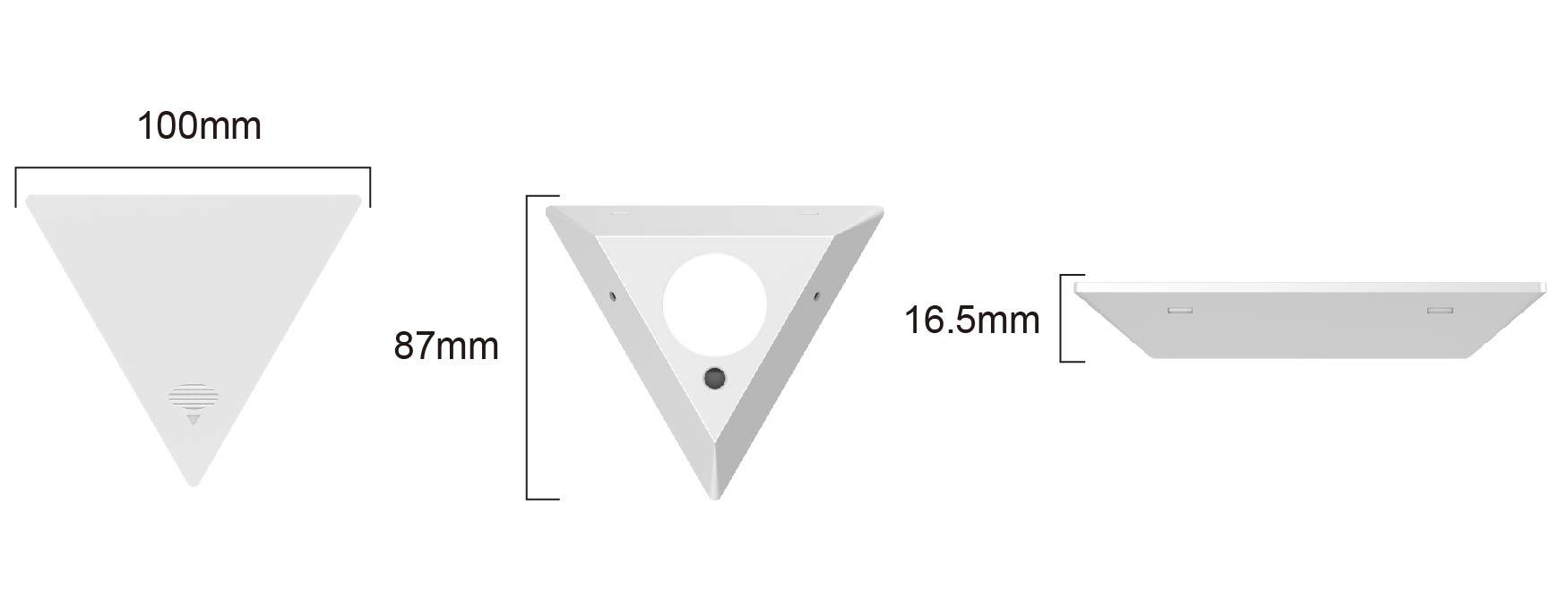
|
|
| mechanical | ||
| Operating Temperature |
-20°C to 85°C
|
|
| Operating Humidity |
0-95% RH, Non-Condensing
|
|
| Operating Environment |
Interior
|
|
| Operation |
APP
|
|
| Ingress Protection (IP) |
20
|
|
| Electrical | ||
| Operation Power |
DC12V±10%
|
|
| Power Consumption |
≤1W
|
|
| Output |
Dry Contact
|
|
| Wireless | ||
| Frequency |
2.4GHz
|
|
| Bluetooth Range |
Open area: >50m / Interior: 3-20m
|
|
| Connection |
Wifi 2.4G / BLE 4.2
|
|
WARNING!

Disconnect Power
To prevent severe shock or electrocution, always disconnect the power at the service panel before installation. Only licensed electricians should carry out the installation.
Basic Installation
1
Select a spot on the ceiling or wall (avoid metal joists and AC vents). Secure the base directly to the surface using double-sided adhesive tape.
2
Connect the cables to the terminals at the bottom of the device. Connect the Red wire / VCC to the positive pole, and the Black wire / GND to the negative pole. Make sure the signal wires are cross-connected (TX to RX, RX to TX).
3
Tuck the connected wires into the ceiling hole. Align the device with the circular hole and push it up evenly with both hands. The clips on both sides will automatically snap and secure the device to the ceiling.
4
Turn on the power. Walk and wave your hand below the device, and observe if the connected App or controlled device (e.g., light) responds.
| Download | ||
| Data Sheet | ||