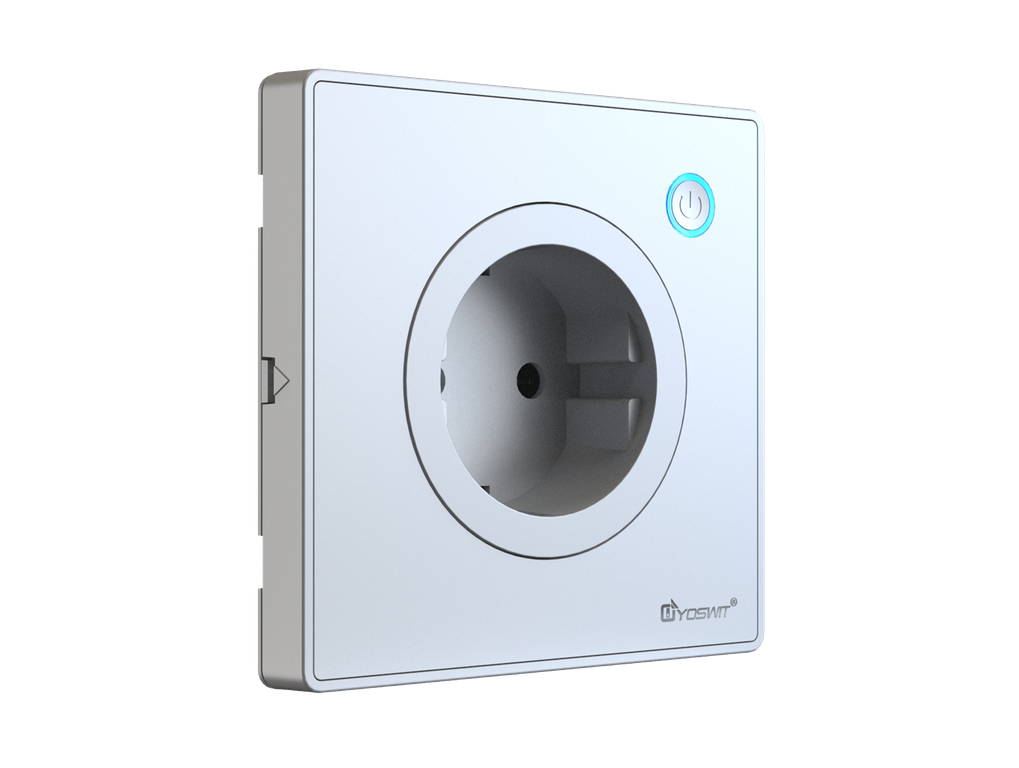
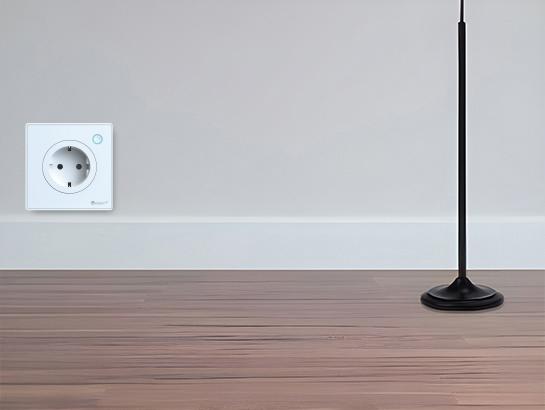
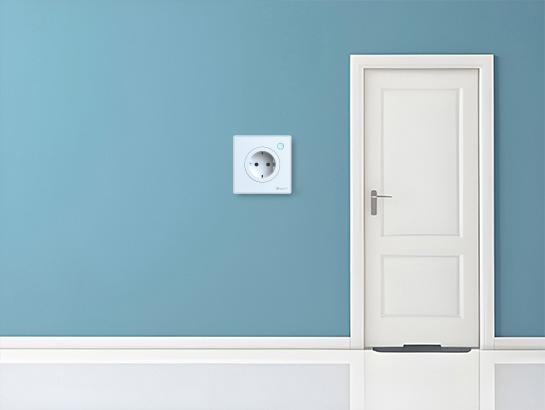
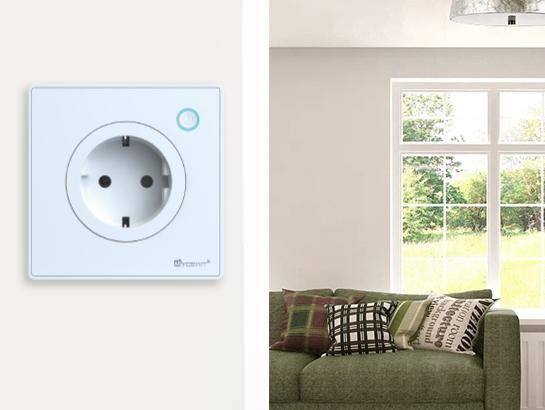
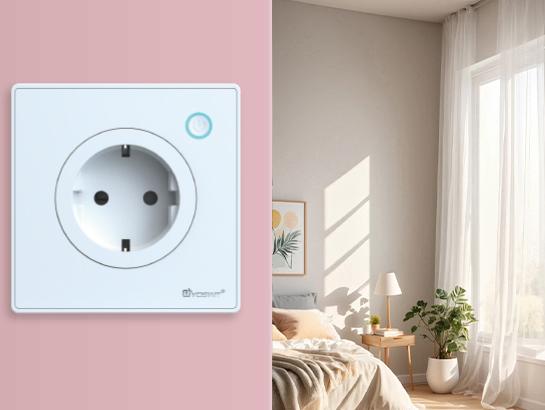
Smart Outlet
Product Code:
YO512eu (R2W)
Features
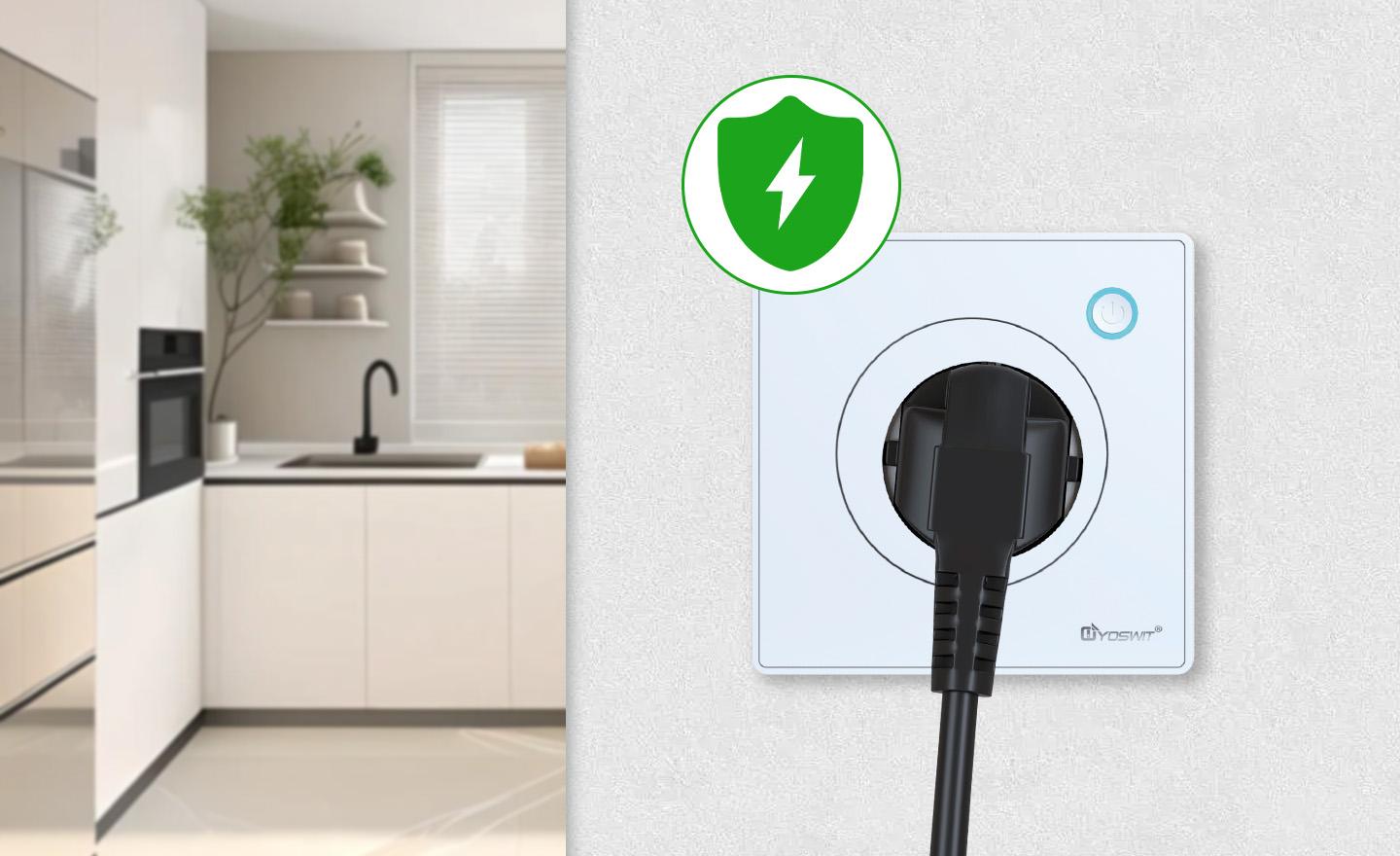
- Overload Protection
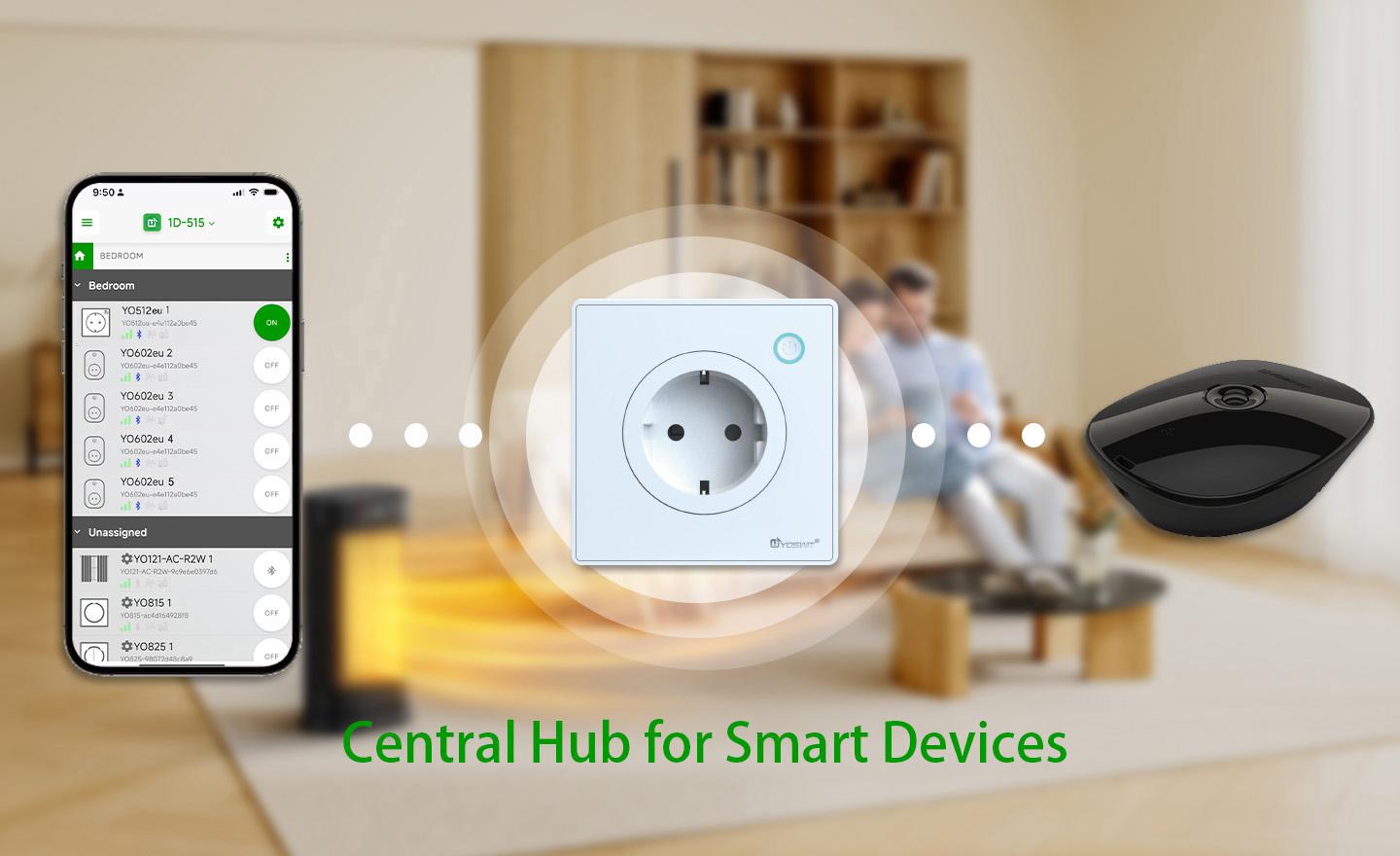
- Central Hub for Smart Devices
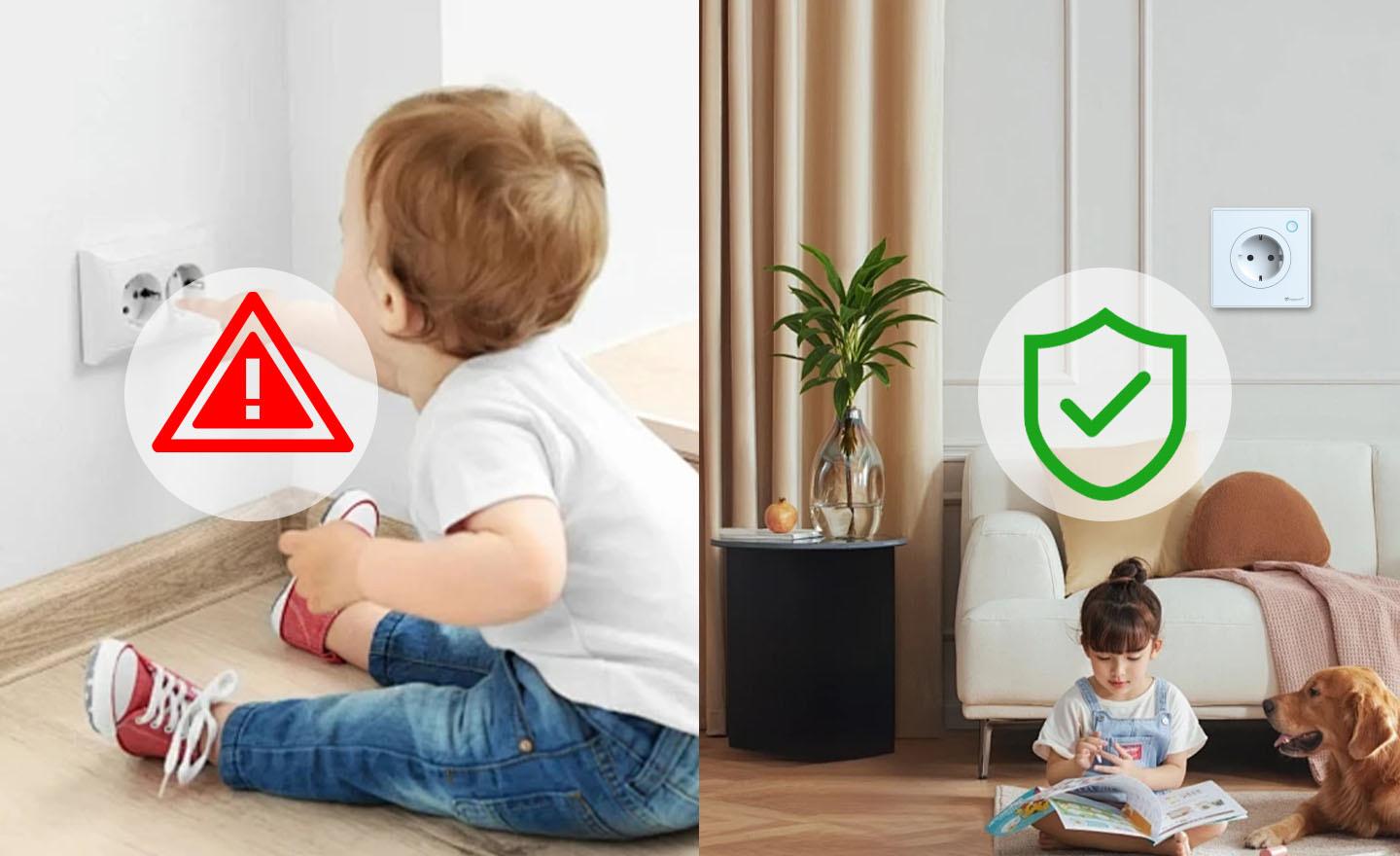
- Prevent Mistakenly Touching
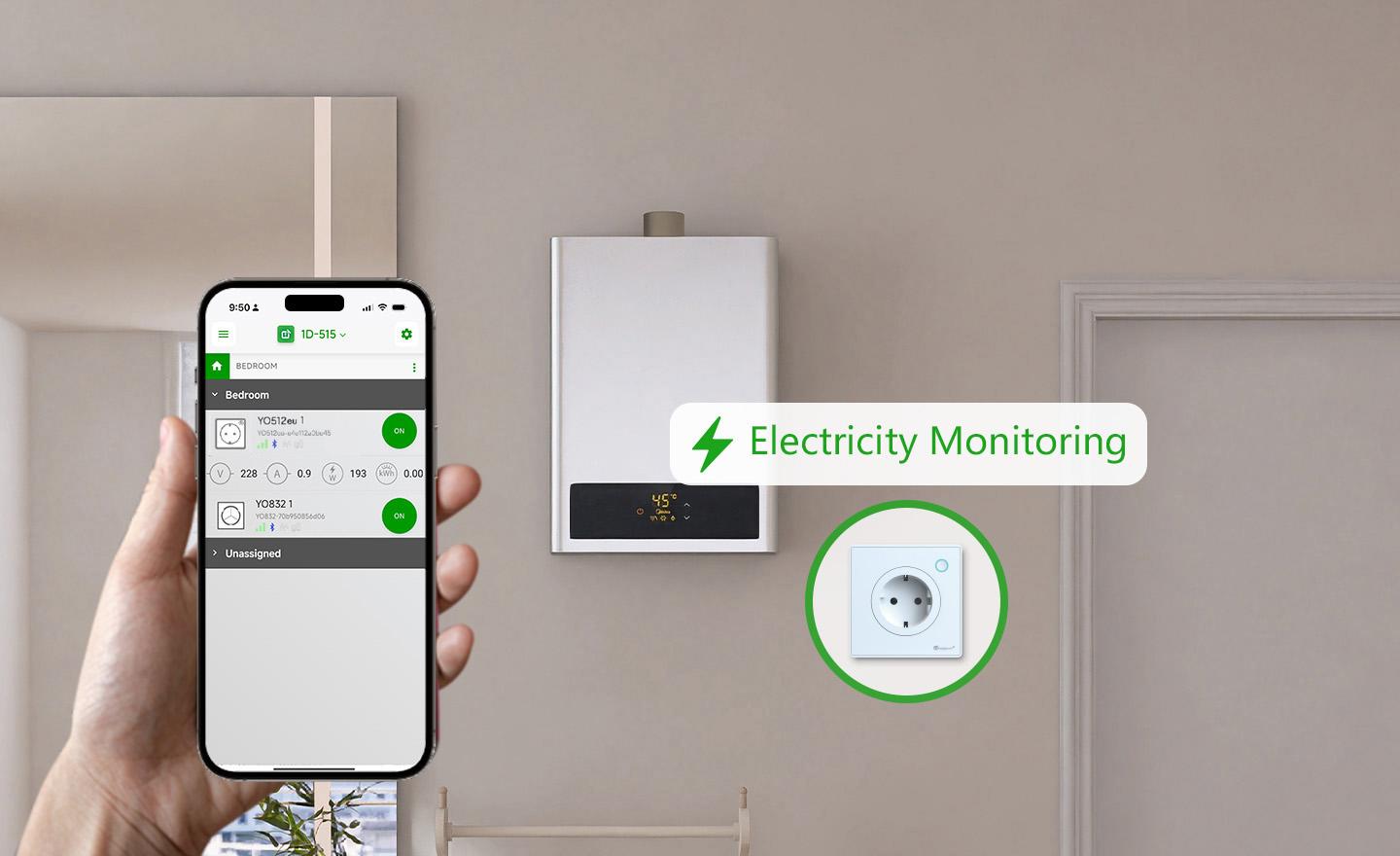
- Real-time Monitor the Electricity Usage
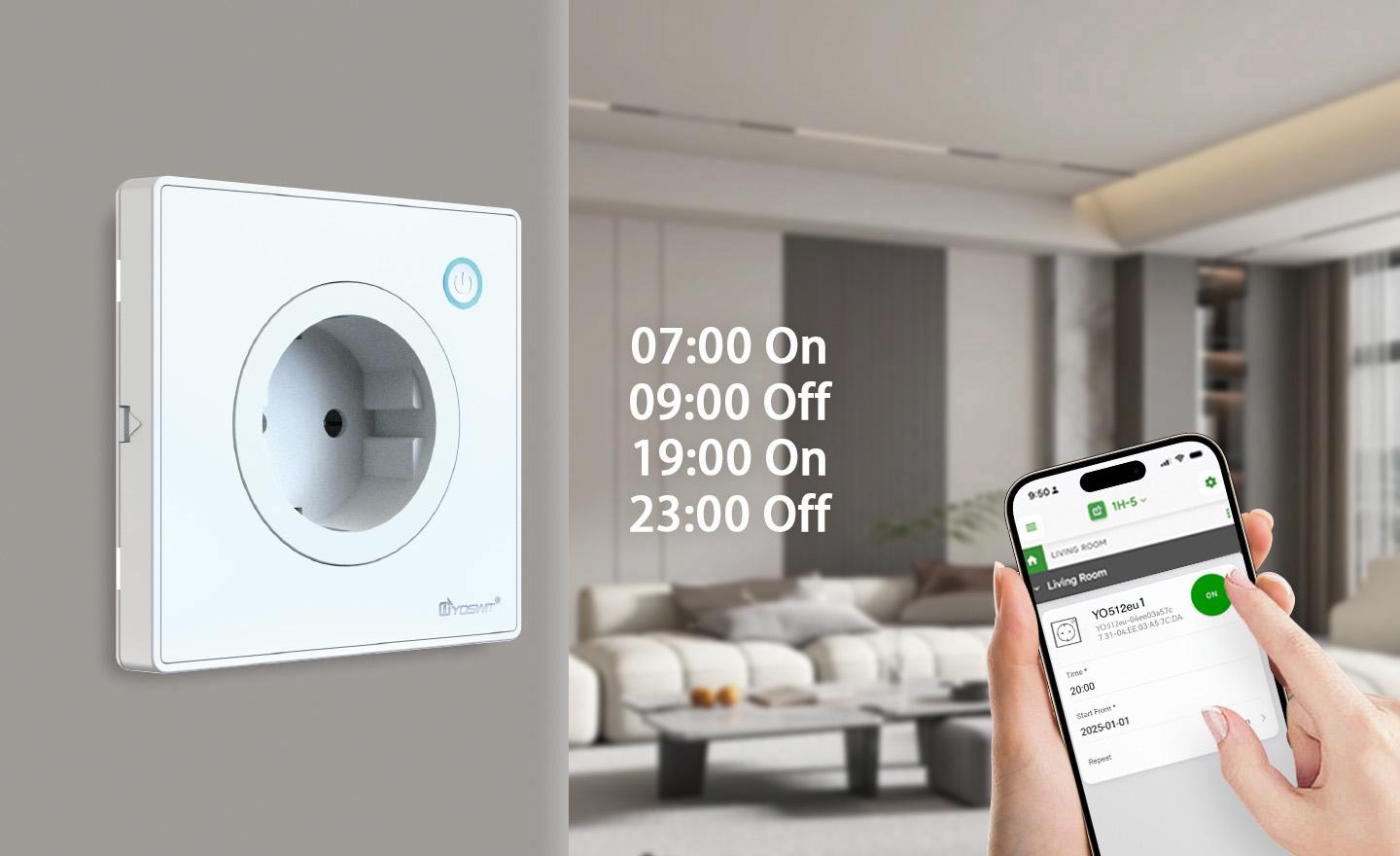
- Schedule Devices Using Built-in Timer
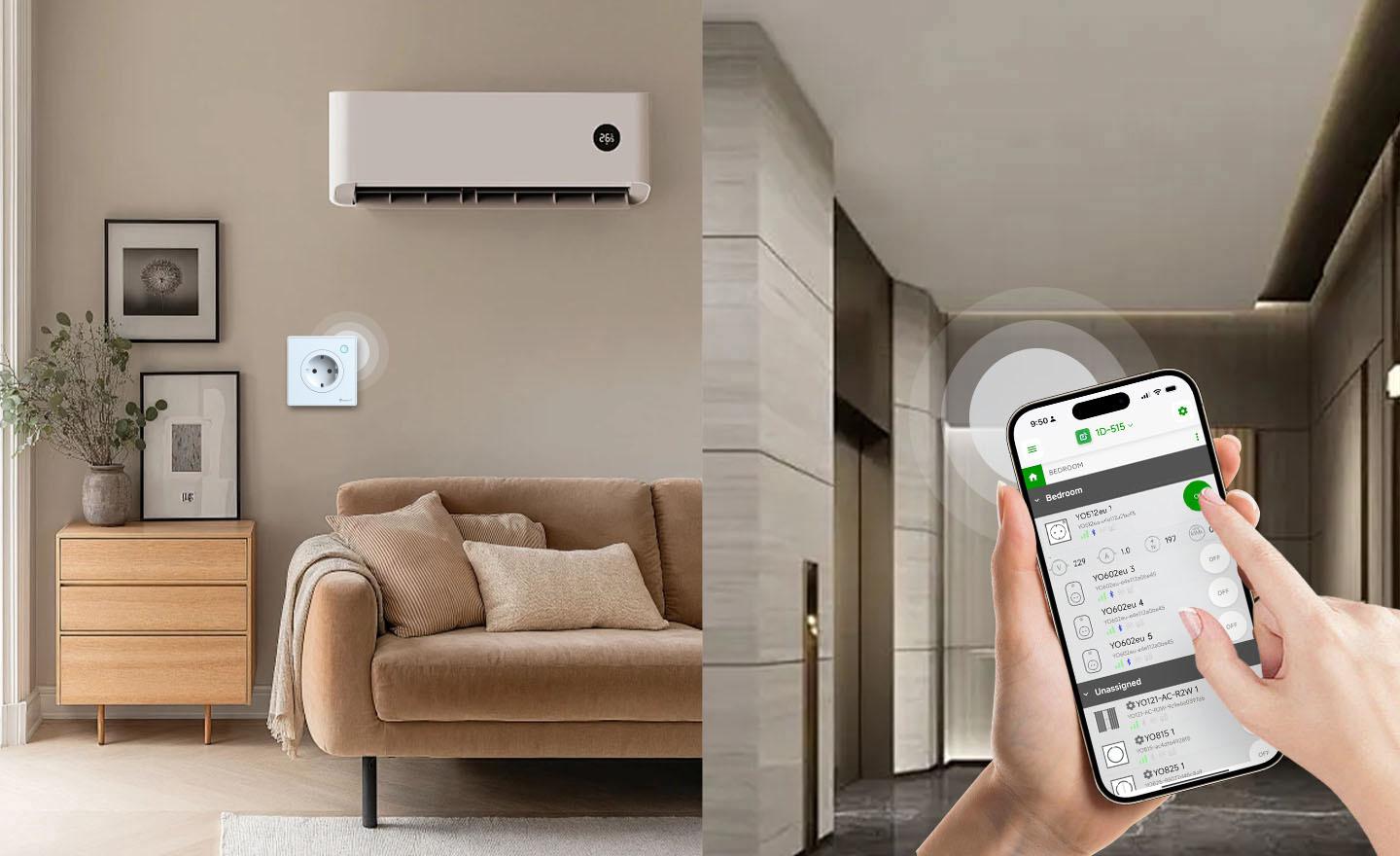
- Outdoor Remote Control via Yoswit App
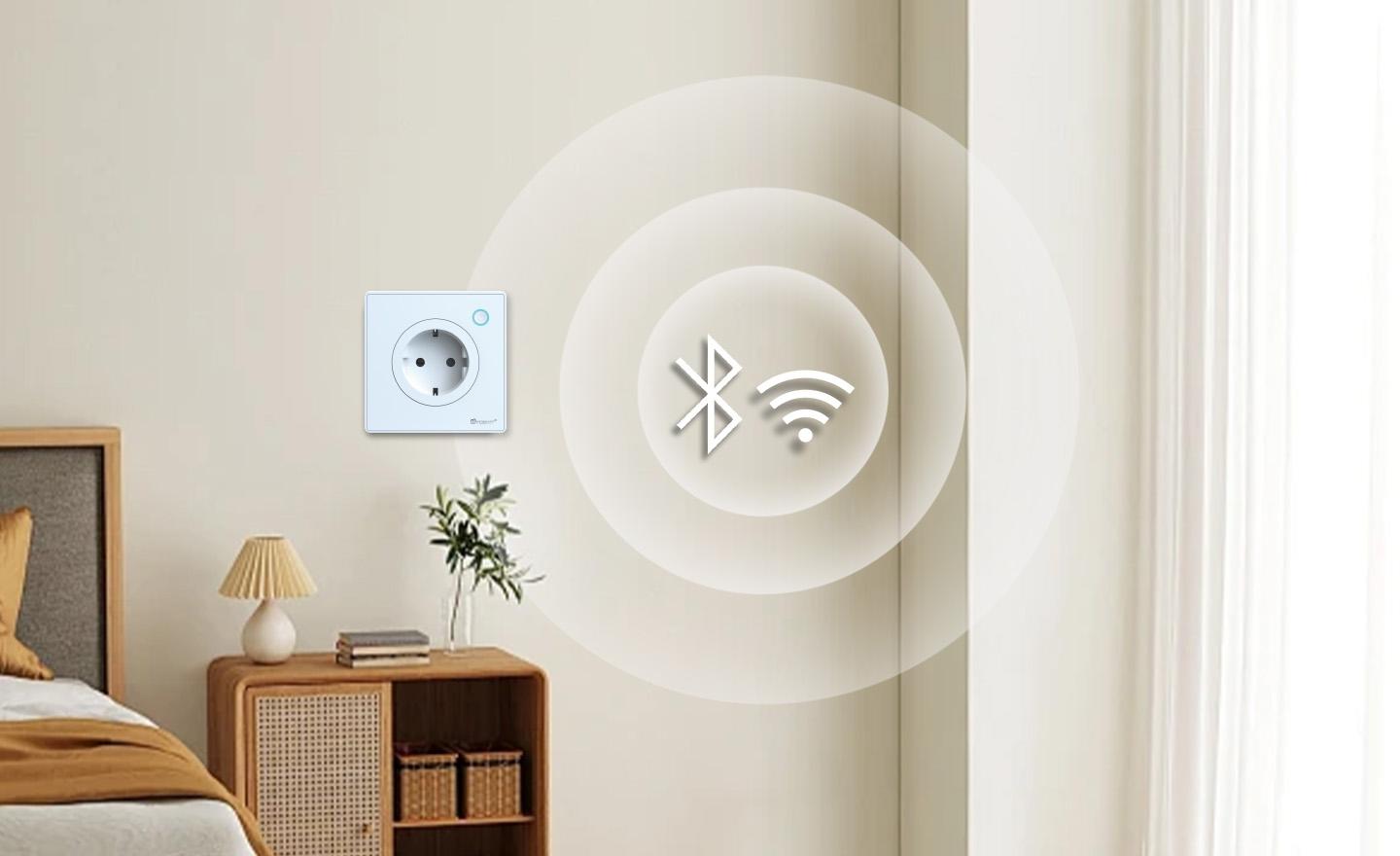
- Bluetooth Mesh & Wifi Enhance Connectivity
- Built-in IR Emitter Allows Operation of Infrared Devices

How Yoswit Smart Outlet Works
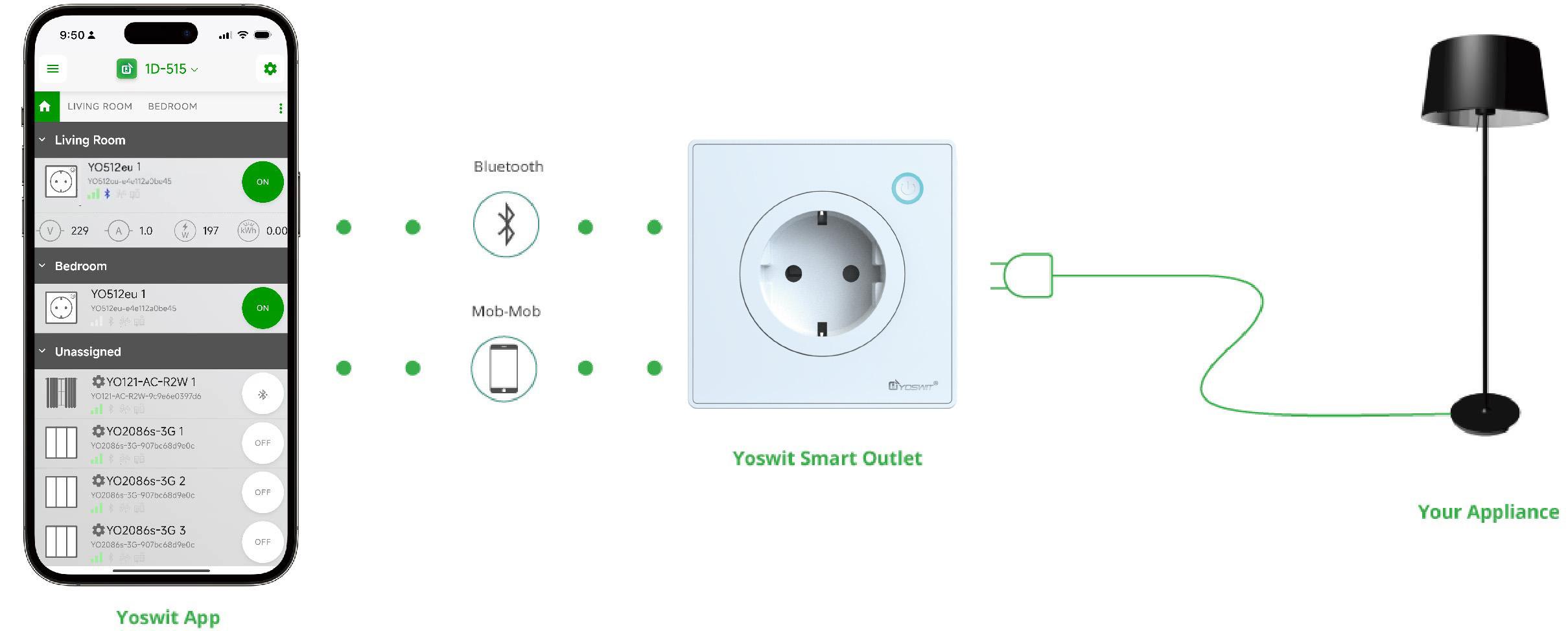
Features
Retrofit Compatibility
Designed for room-by-room upgrades in existing projects with minimal rewiring.
Product Ecosystem
Works with the Yoswit Smart Ready series for unified management.
System Integration
Integrates with apps, PMS, access control, and third-party systems on a project basis.
Communication Spec
Bluetooth 4.2 BLE low-power communication.
| General | ||
| Product Name |
Yoswit Smart Outlet
|
|
| Model |
YO512eu (R2W)
|
|
| Socket Type |
Socket 86
|
|
| Revision |
V7.0
|
|
| Manufacturer |
Designed by Yoswit in Hong Kong, China / Assembled in Guangdong, China
|
|
| Dimensions | ||
| Product Size |
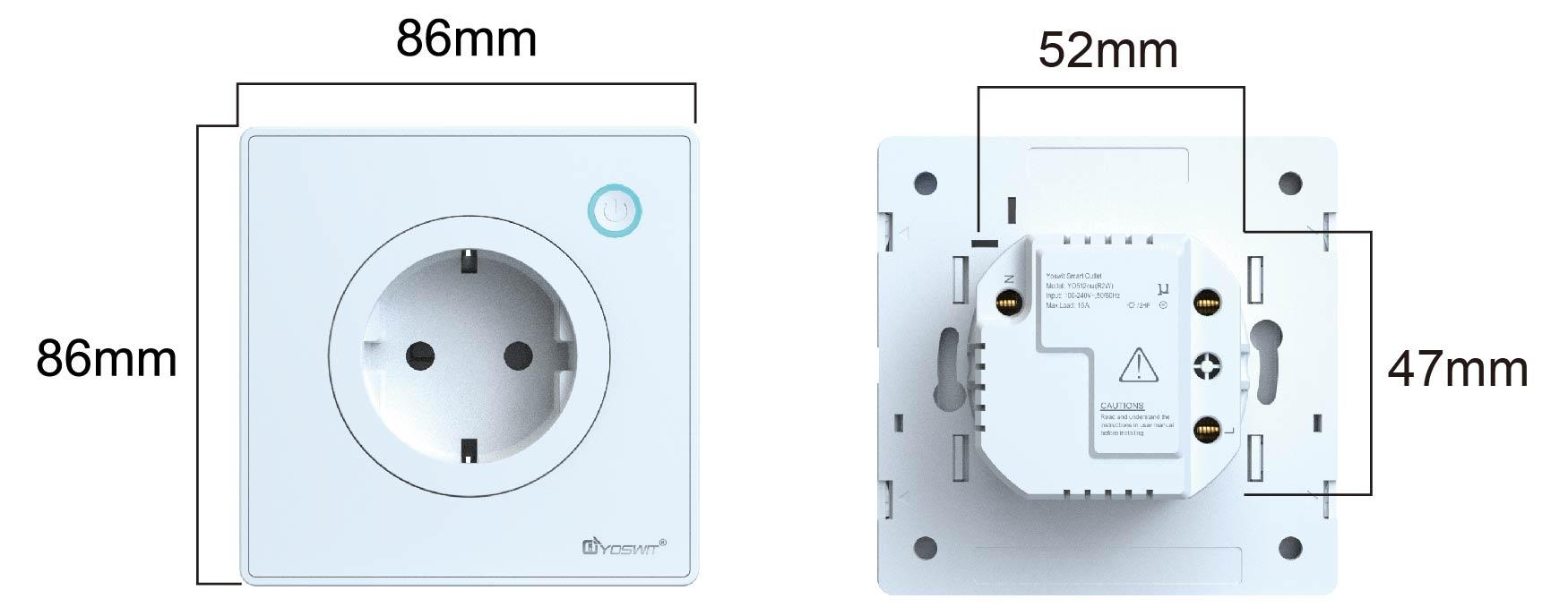
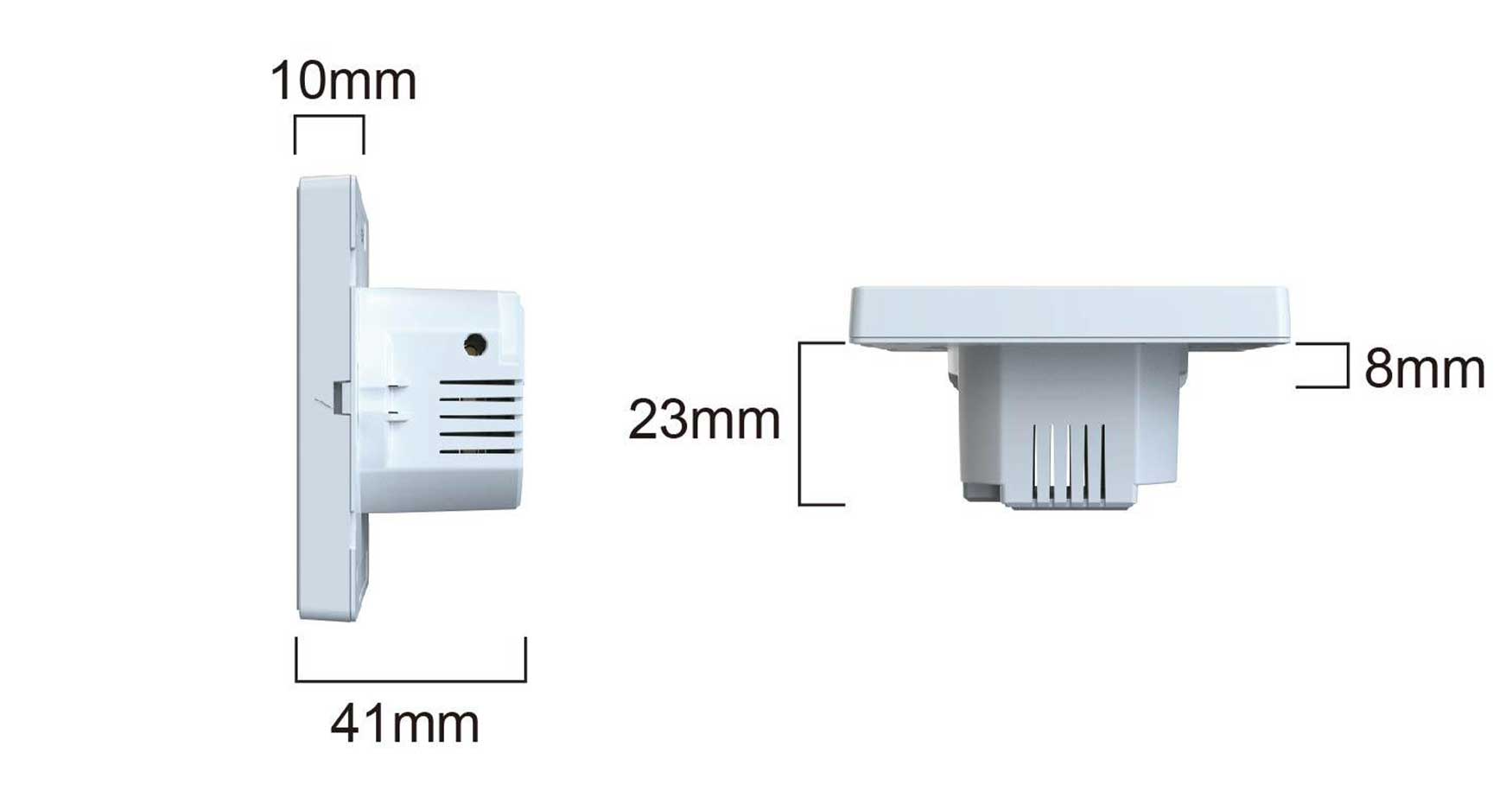
|
|
| mechanical | ||
| Operating Temperature |
-10°C to 40°C
|
|
| Operating Humidity |
0-95% RH, Non-Condensing
|
|
| Operating Environment |
Interior
|
|
| Operation |
APP / Manual
|
|
| Ingress Protection (IP) |
20
|
|
| Plug Type |
EU
|
|
| Electrical | ||
| Operation Power |
100-240V AC (50/60Hz)
|
|
| Power Consumption |
≤1W
|
|
| Max. Load |
13A / 1.5HP
|
|
| Power Measurement Accuracy |
±3%
|
|
| Wireless | ||
| Frequency |
2.4GHz
|
|
| Connection |
Wifi 2.4G / BLE 4.2
|
|
| Range |
Open area: >50m / Interior: 3-20m
|
|
WARNING!

Disconnect Power
To prevent severe shock or electrocution, always disconnect the power at the service panel before installation. Only licensed electricians should carry out the installation.
Basic Installation
1
Remove the old outlet and disconnect the wires, please make sure that there is about 5mm of bare wire exposing.

2
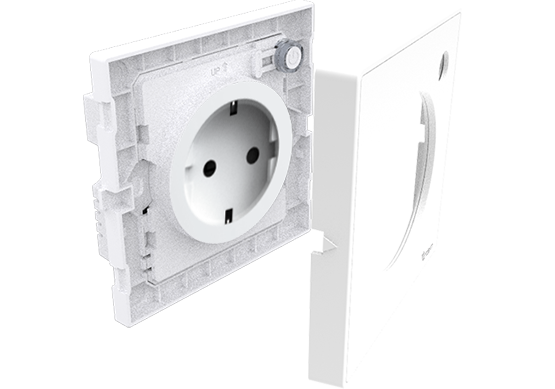
Insert a small, flat screwdriver into the notches on the wall plate and twist gently to pry it from the frame to remove the wall plate.
3
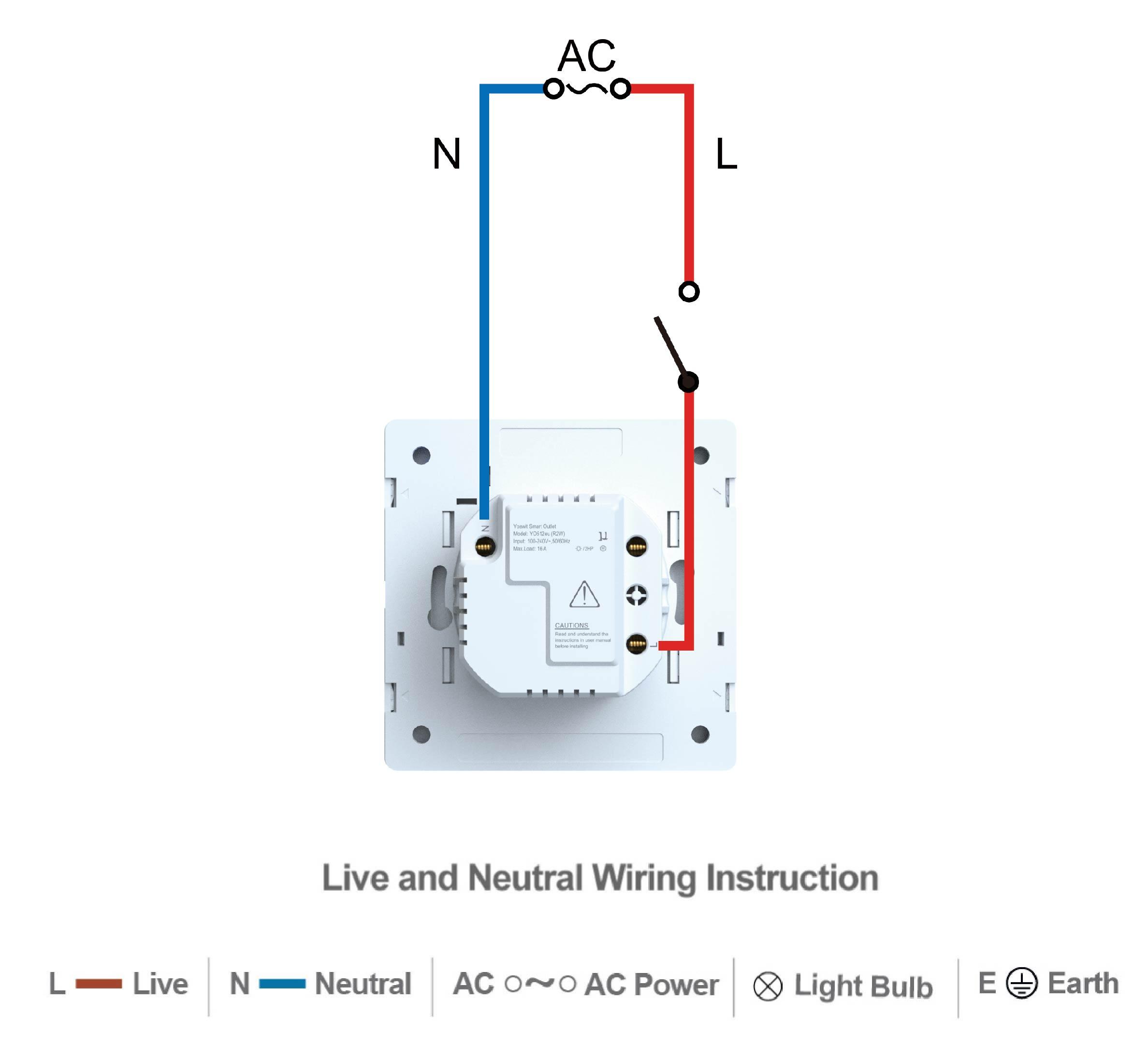
Connect the wires to the outlet. Make sure that the wires are secure.
Warning
To reduce the risk of electrical shock, the unit shall be properly grounded in accordance with local regulations or codes. Failure to connect the ground wire will result in an unsafe installation that could lead to personal injury.
4
Fasten the outlet on the wall by placing the proper wall mount components.
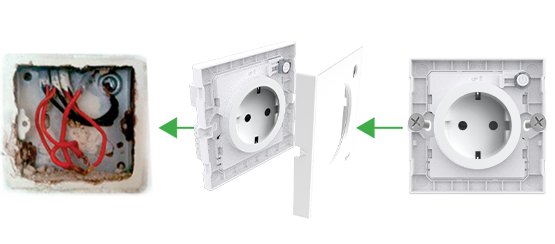
5
Turn on the circuit breaker and connect to the power.
6
Test the outlet by tapping the power button of the outlet 2 to 3 times. The LED will be on/off.
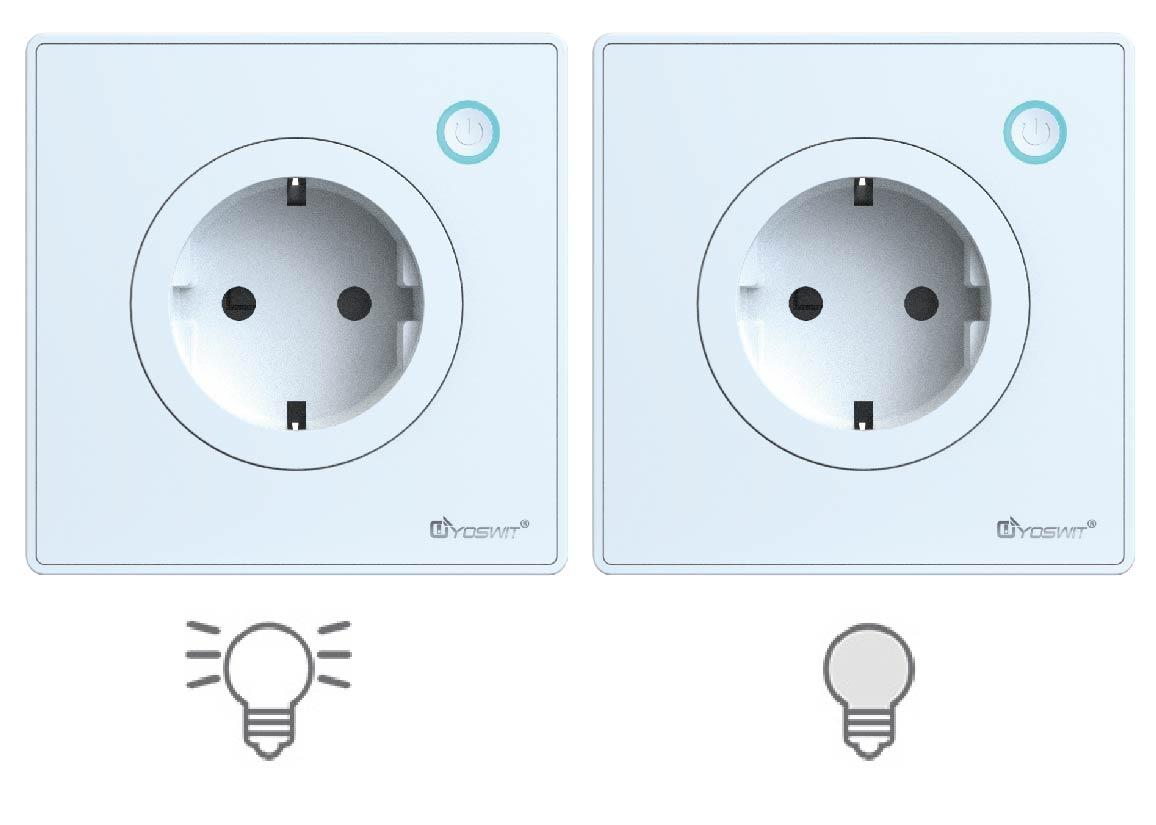
7
Plug in your devices.

8
Press the outlet's power button to turn on your devices.
| Download | ||
| Data Sheet | ||