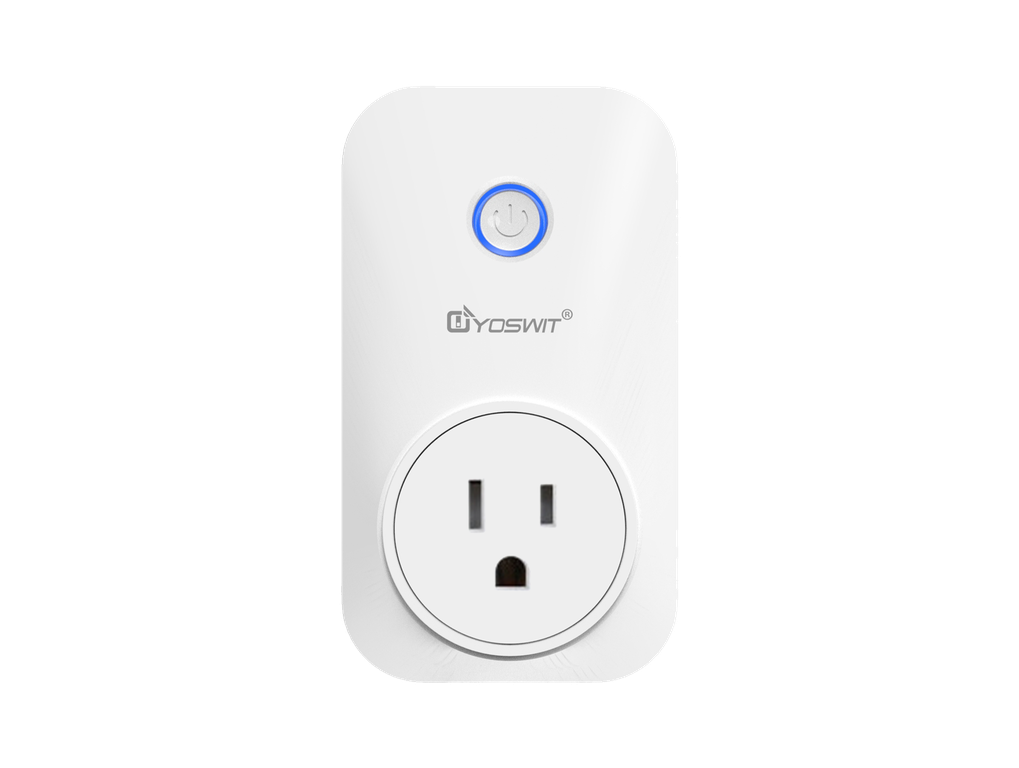
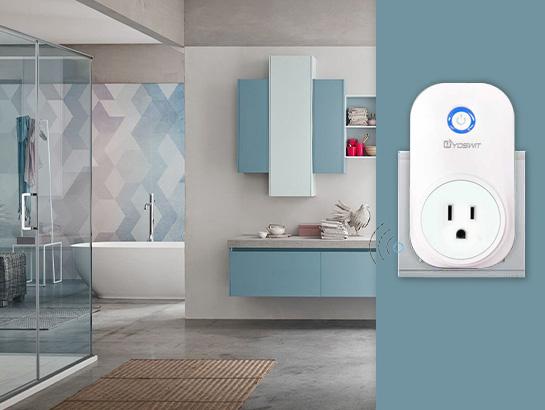
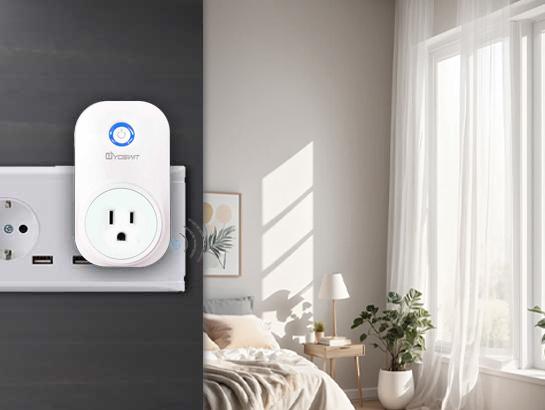
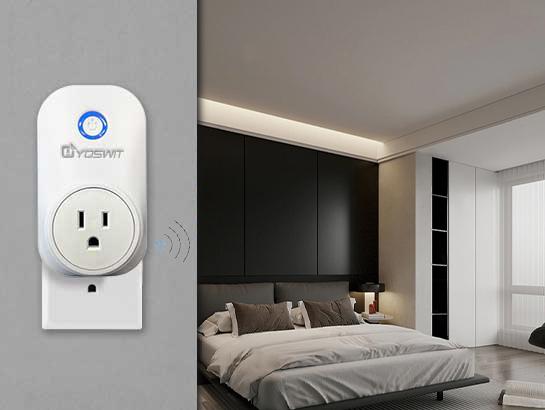
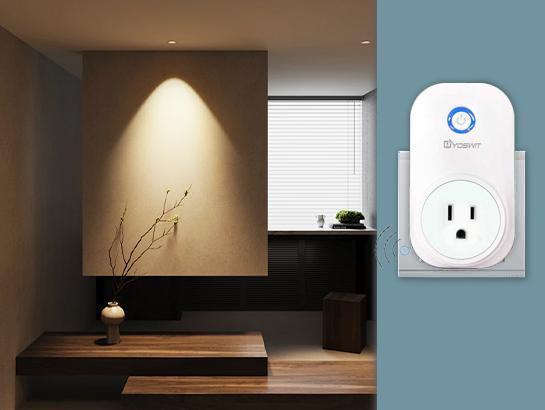
Smart Plug
Product Code:
YO602us-IR (R2W)
Features
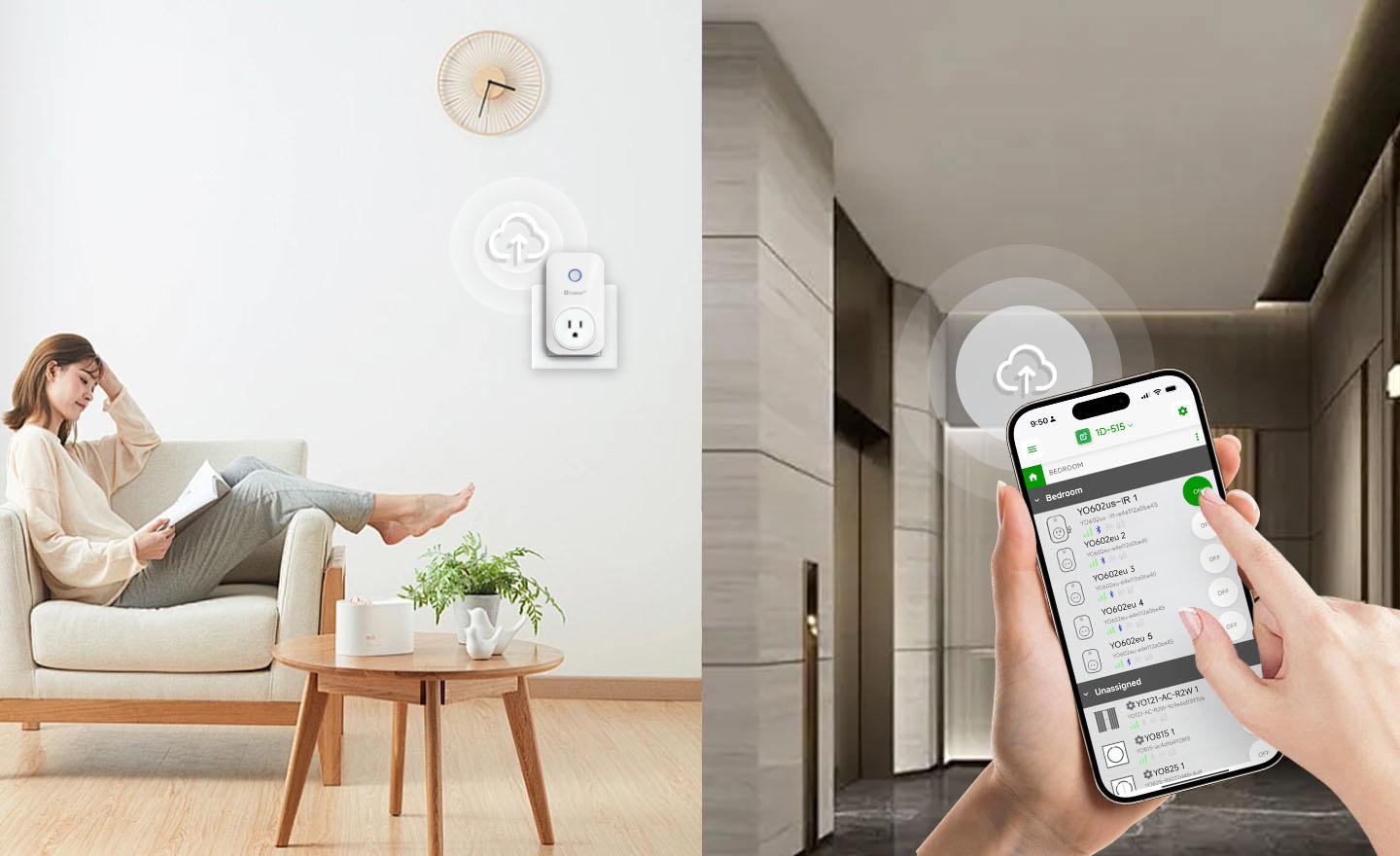
- OTA Remote Upgrades
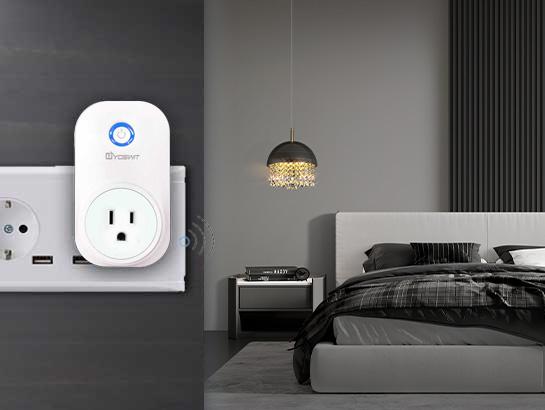
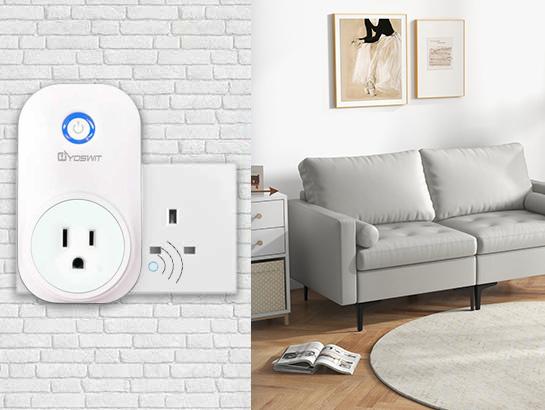
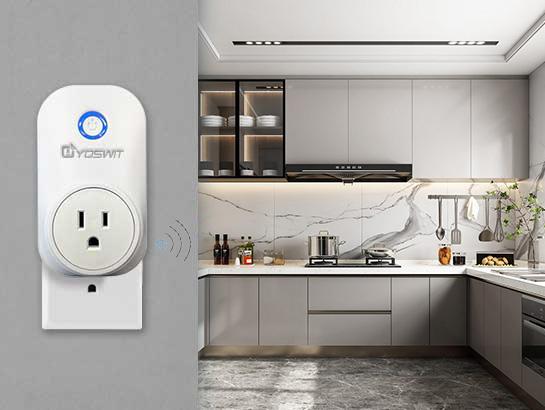
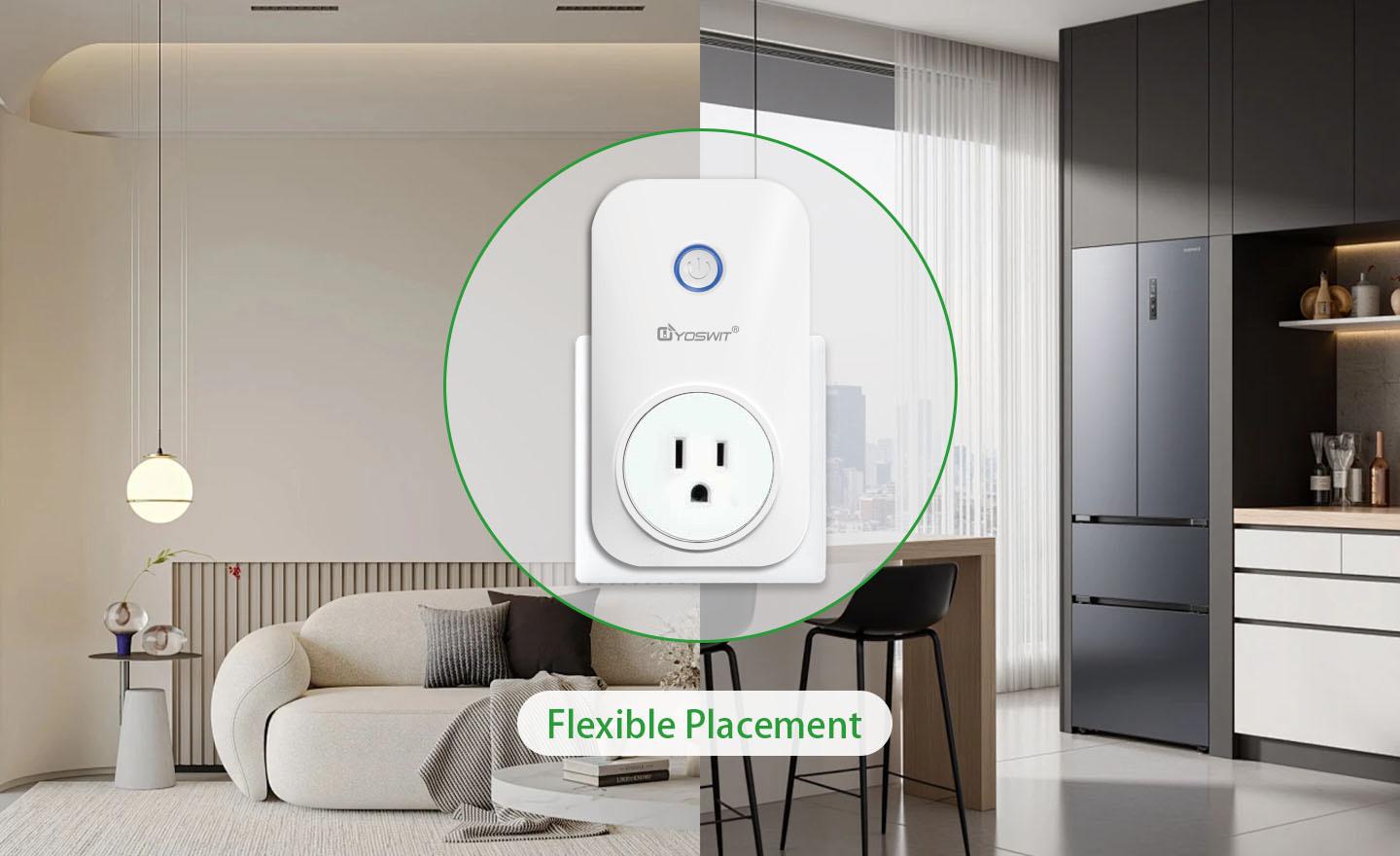
- Flexible Placement
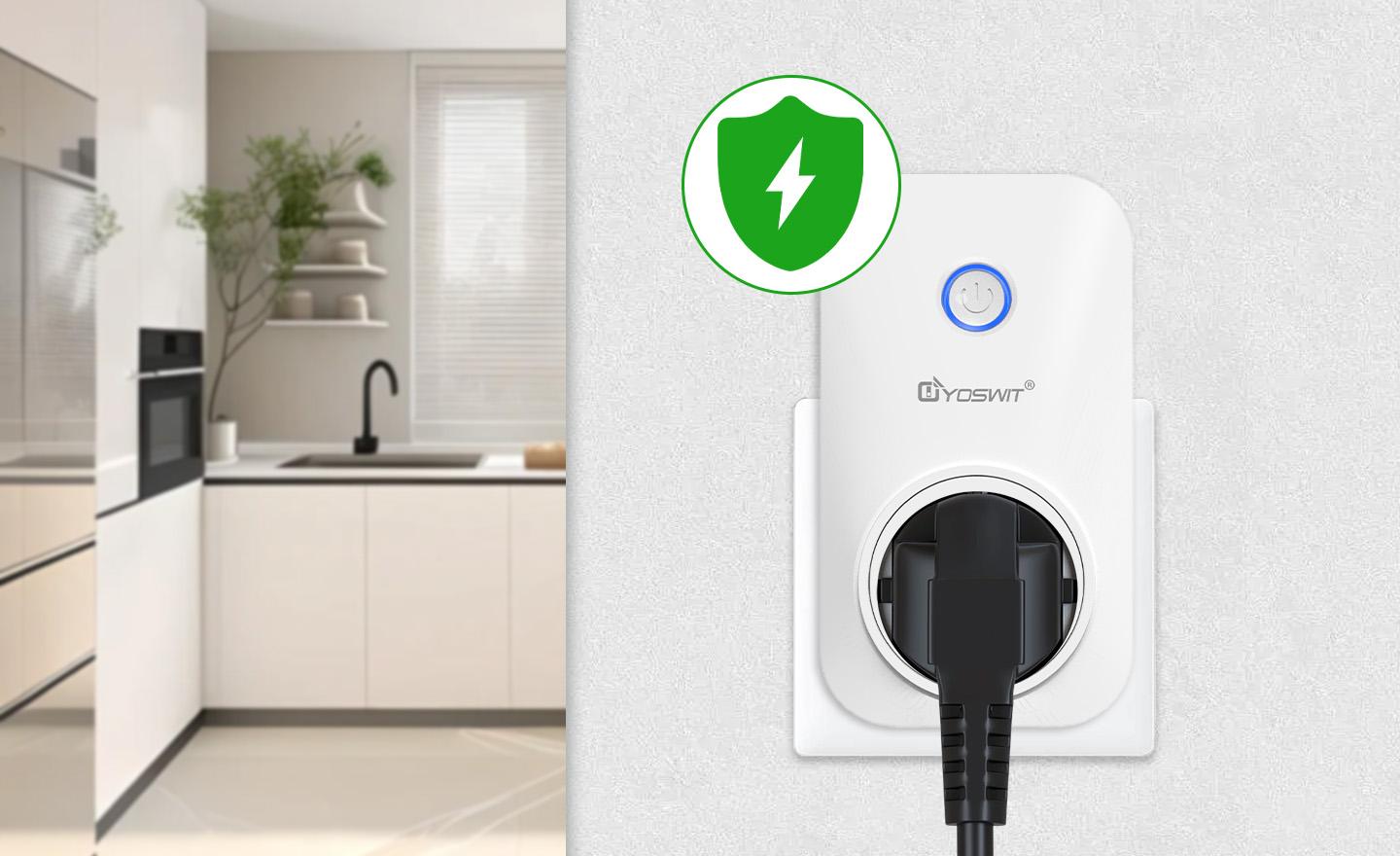
- Overload Protection
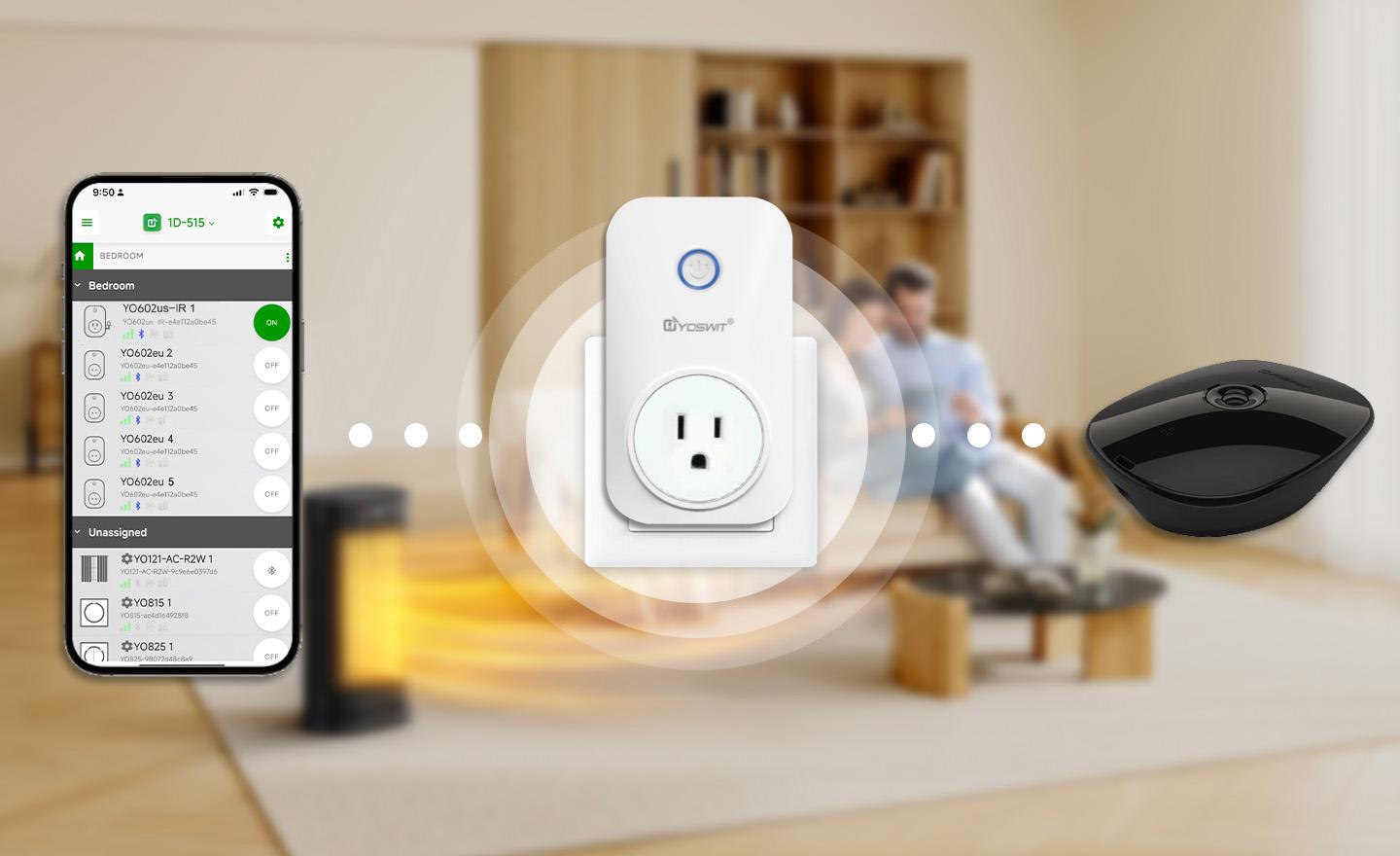
- Central Hub for Smart Devices
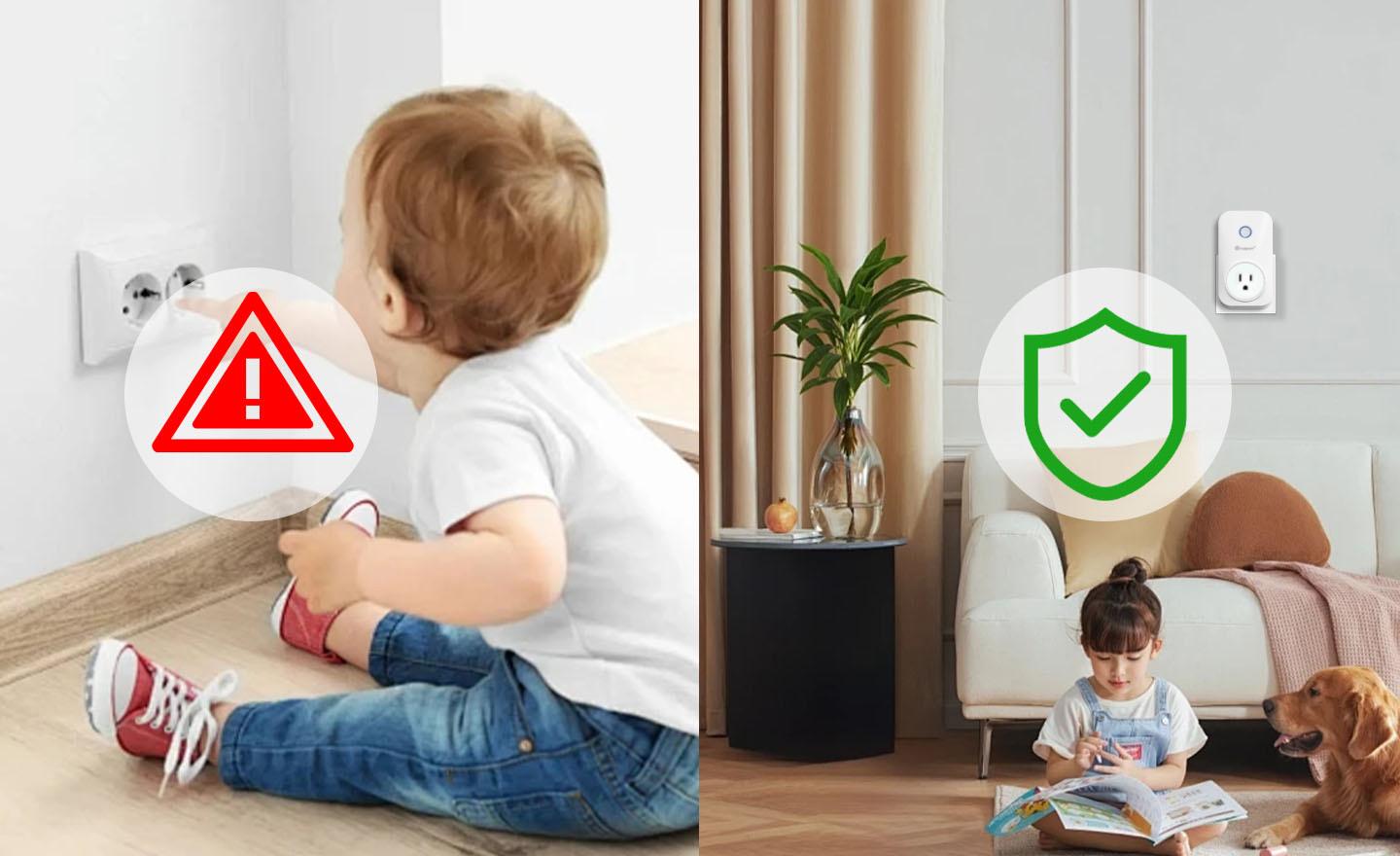
- Prevent Mistakenly Touching
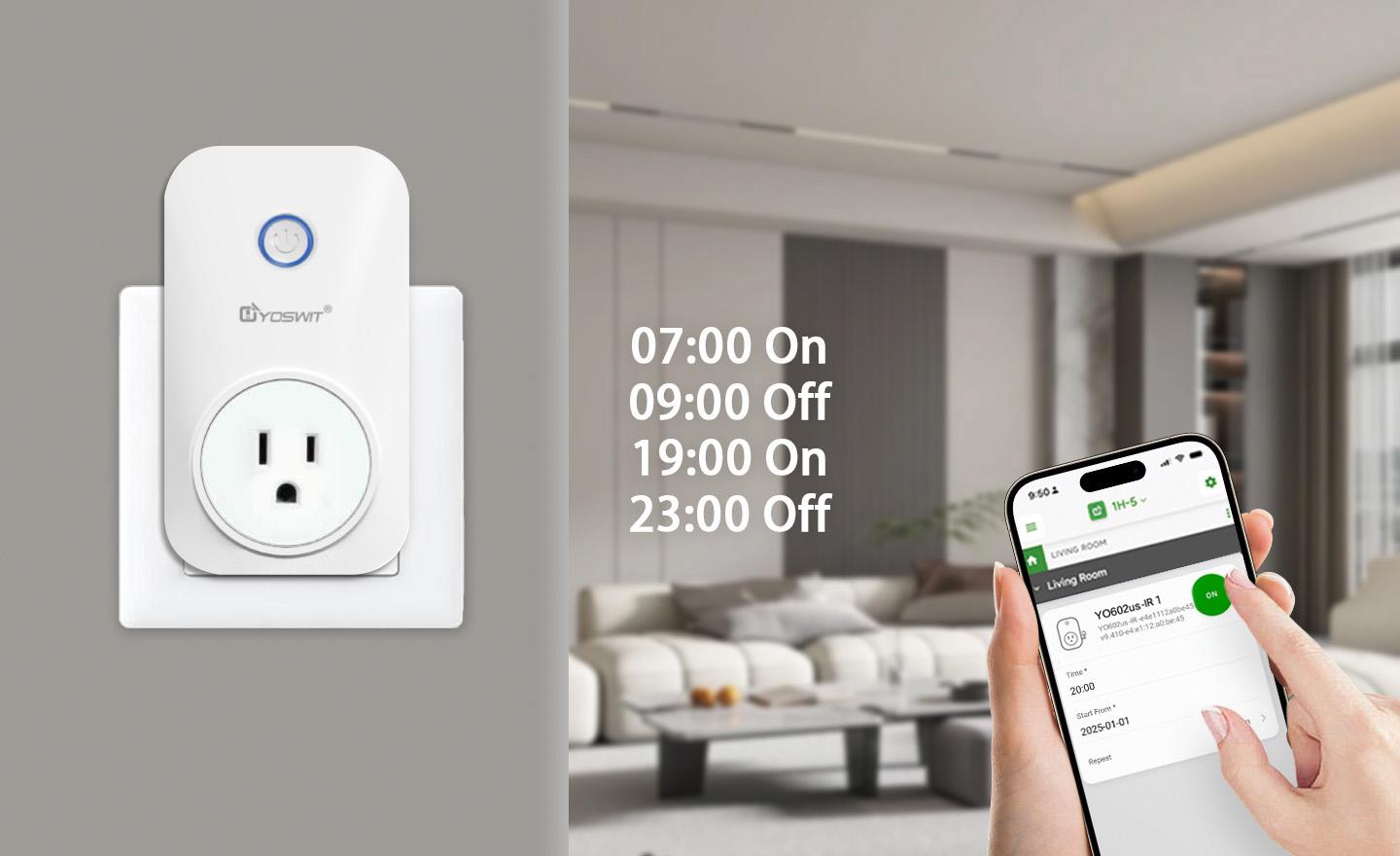
- Schedule Devices Using Built-in Timer
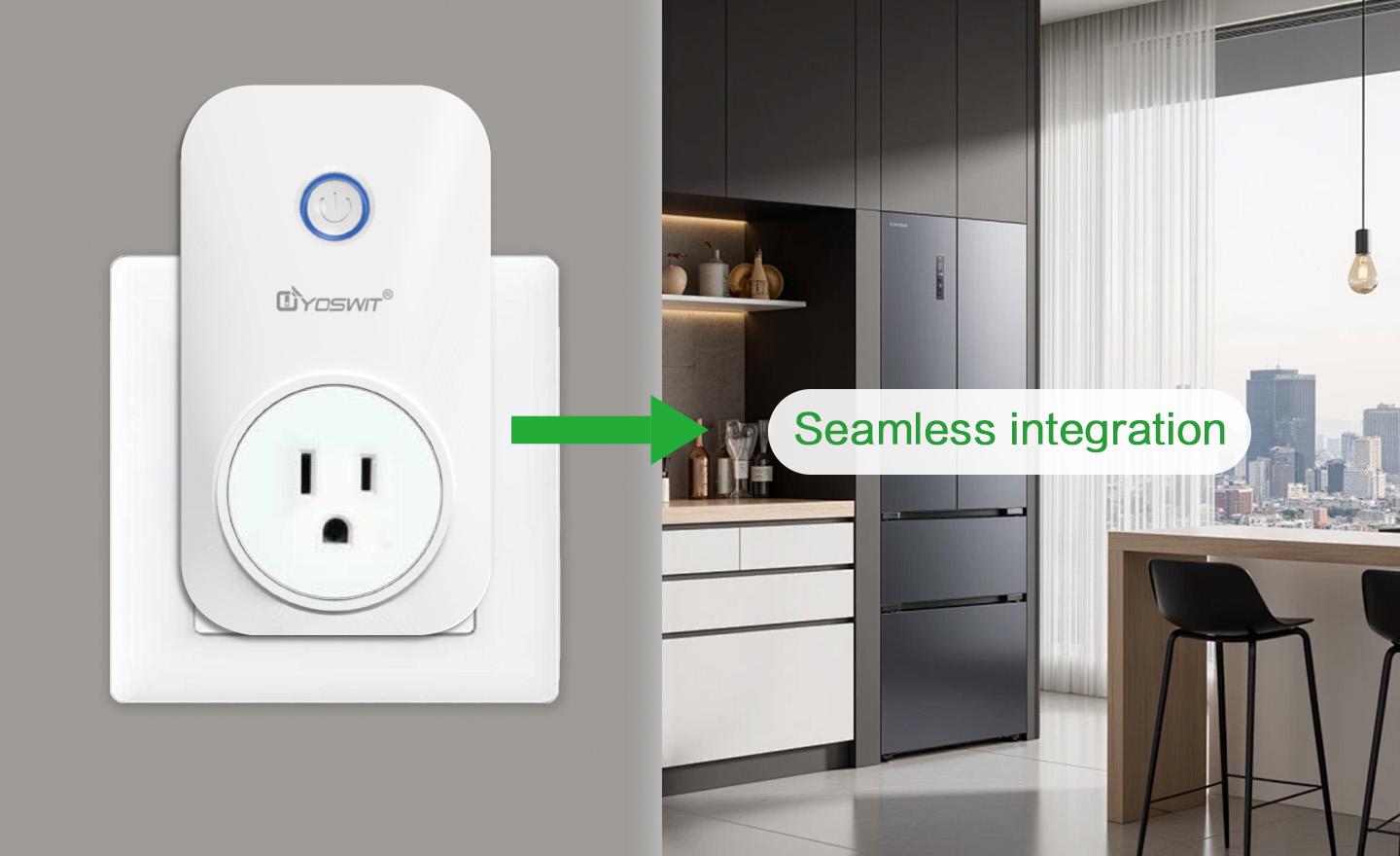
- Seamless Integration into Traditional Outlets
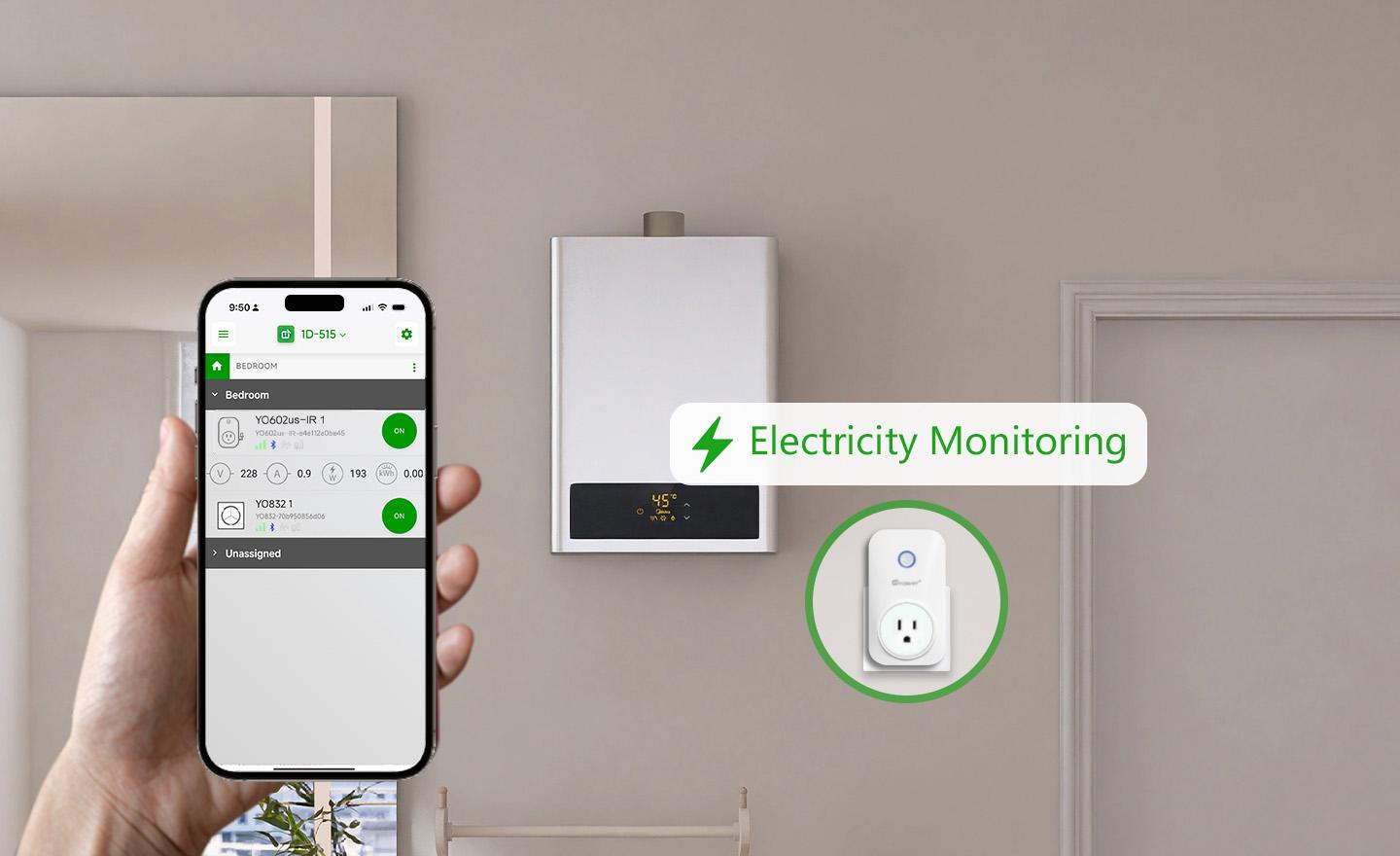
- Real-time Monitor the Electricity Usage
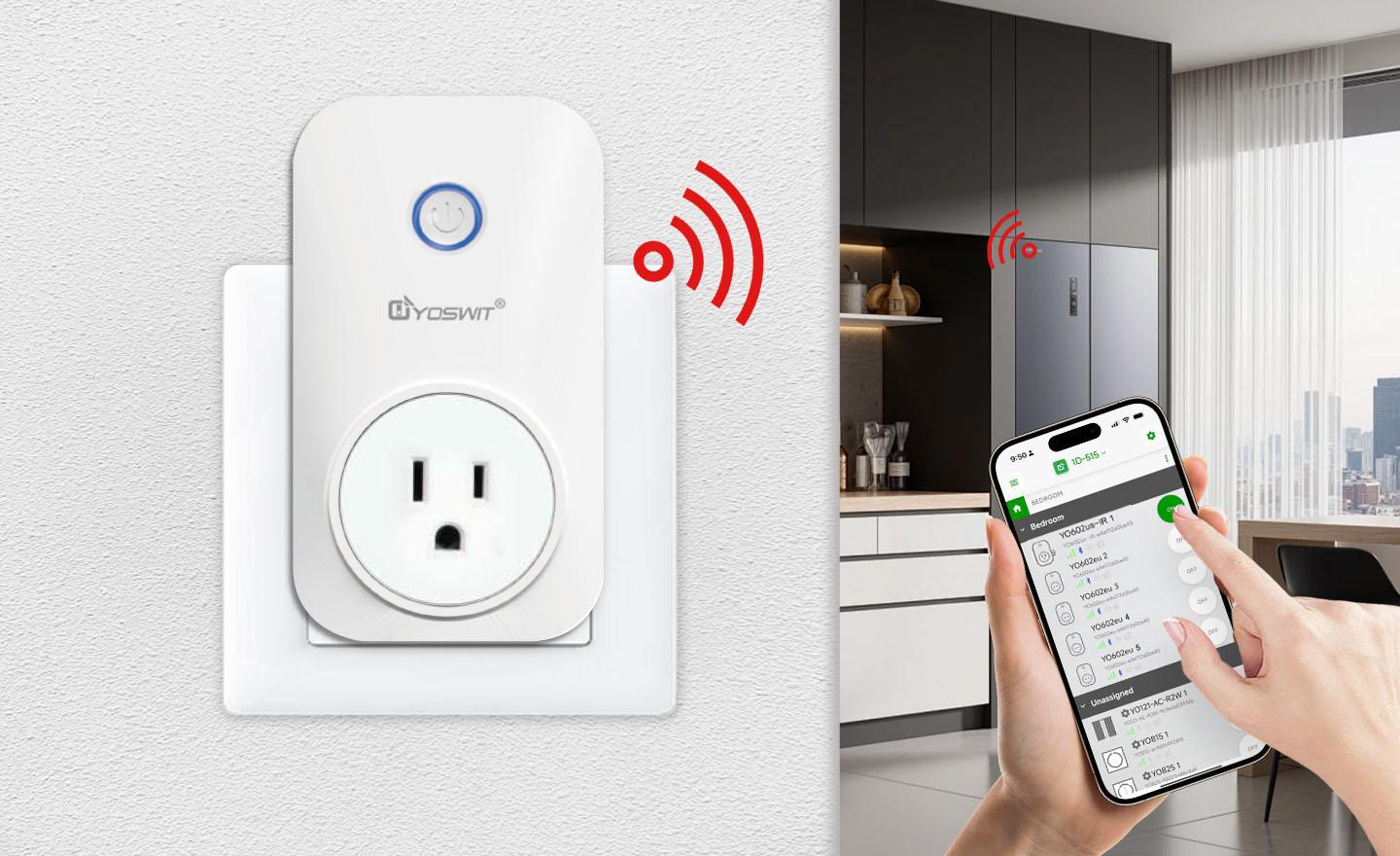
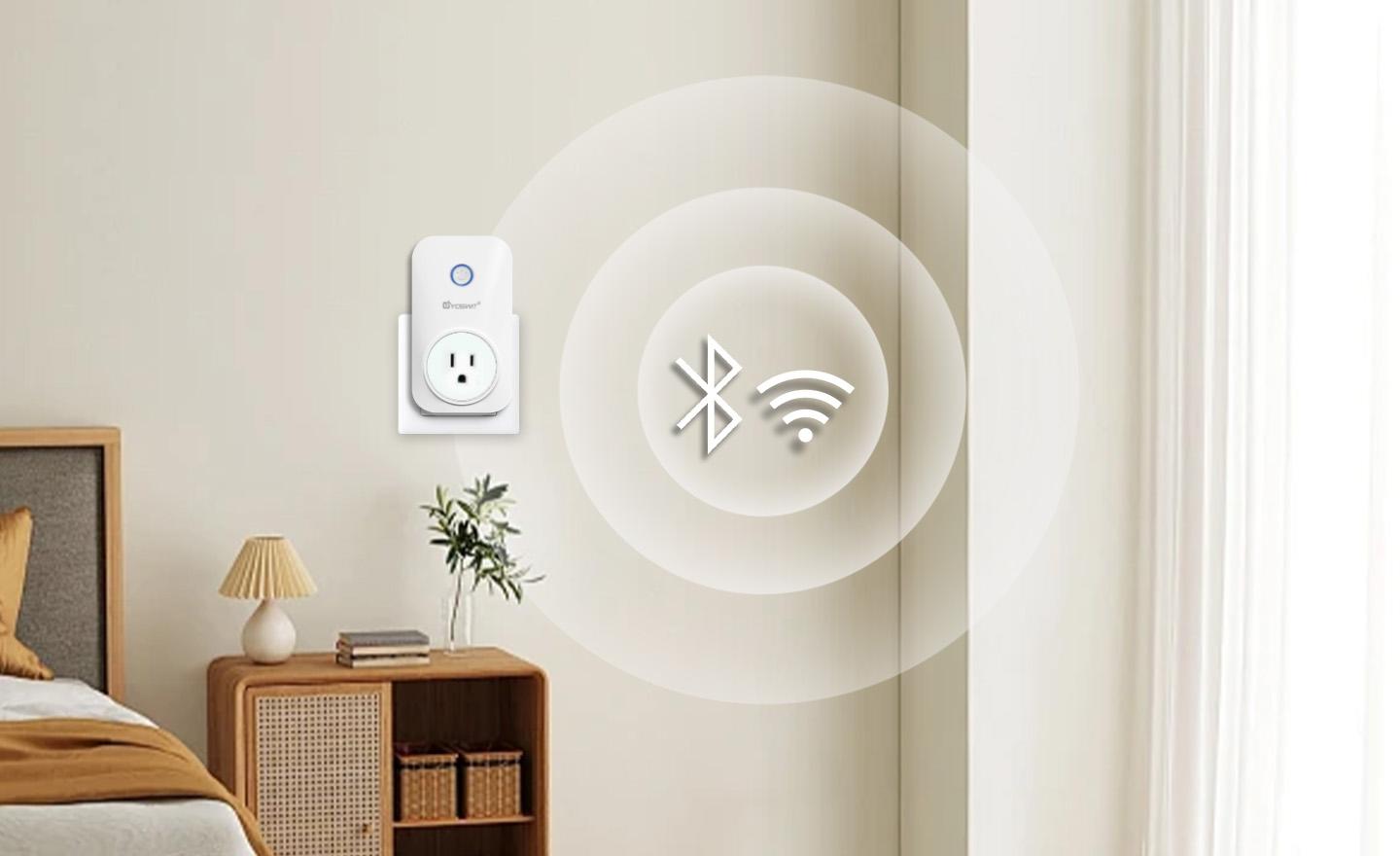
- Bluetooth Mesh & Wifi Enhance Connectivity
- Built-in IR Emitter, controlled via IR remote or Yoswit App

Features
Retrofit Compatibility
Designed for room-by-room upgrades in existing projects with minimal rewiring.
Product Ecosystem
Works with the Yoswit Smart Ready series for unified management.
System Integration
Integrates with apps, PMS, access control, and third-party systems on a project basis.
Communication Spec
Bluetooth 4.2 BLE low-power communication.
| General | ||
| Product Name |
Yoswit Smart Plug
|
|
| Model |
YO602us-IR (R2W)
|
|
| Revision |
V7.0
|
|
| Manufacturer |
Designed by Yoswit in Hong Kong, China / Assembled in Guangdong, China
|
|
| Dimensions | ||
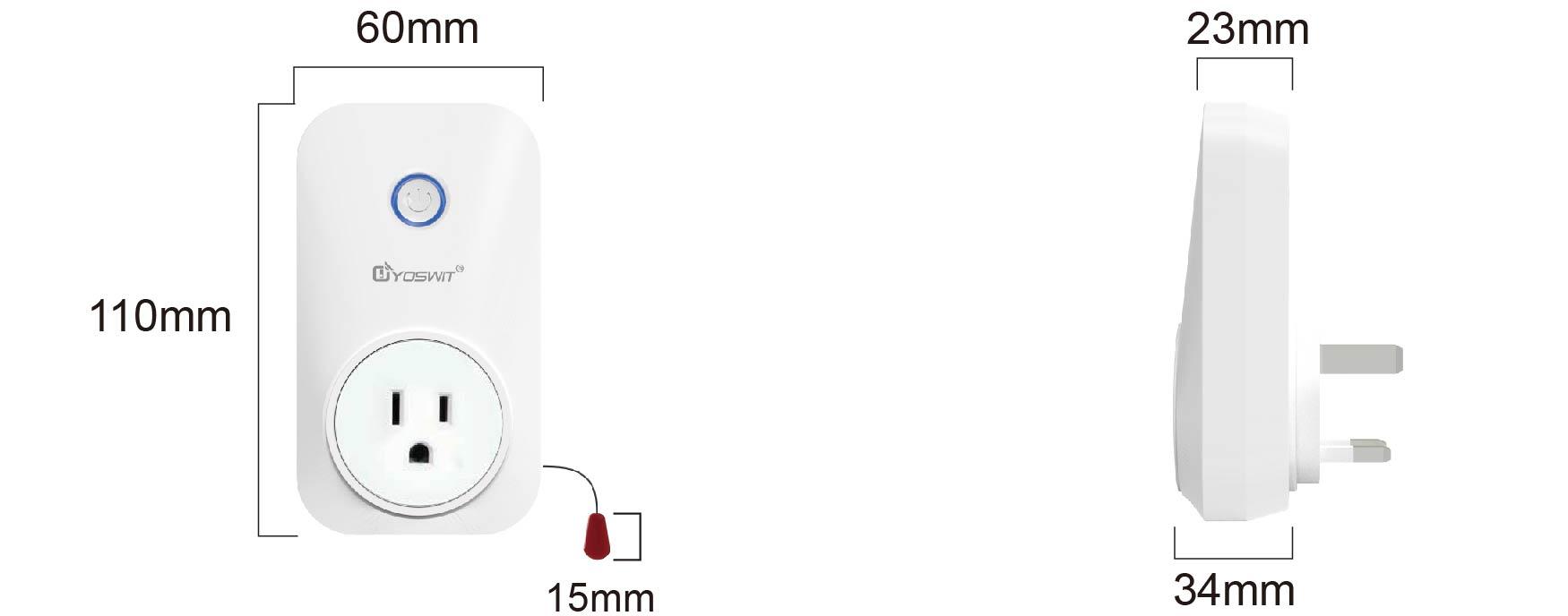
| Product Size |
|
|
| mechanical | ||
| Operating Temperature |
-10°C to 40°C
|
|
| Operating Humidity |
0-95% RH, Non-Condensing
|
|
| Operating Environment |
Interior
|
|
| Operation |
APP / Manual
|
|
| Ingress Protection (IP) |
20
|
|
| Plug Type |
US
|
|
| IR Emitter |
2M Length
|
|
| Electrical | ||
| Operation Power |
100-240V AC (50/60Hz)
|
|
| Power Consumption |
≤1W
|
|
| Max. Load |
13A / 1.5HP
|
|
| Power Measurement Accuracy |
±3%
|
|
| Wireless | ||
| Frequency |
2.4GHz
|
|
| Connection |
Wifi 2.4G / BLE 4.2
|
|
| Range |
Open area: >50m / Interior: 3-20m
|
|
WARNING!

Disconnect Power
To prevent severe shock or electrocution, always disconnect the power at the service panel before installation. Only licensed electricians should carry out the installation.
Basic Installation
1
Turn off the power supply of the electrical devices you are going to connect to the Smart Plug.

2
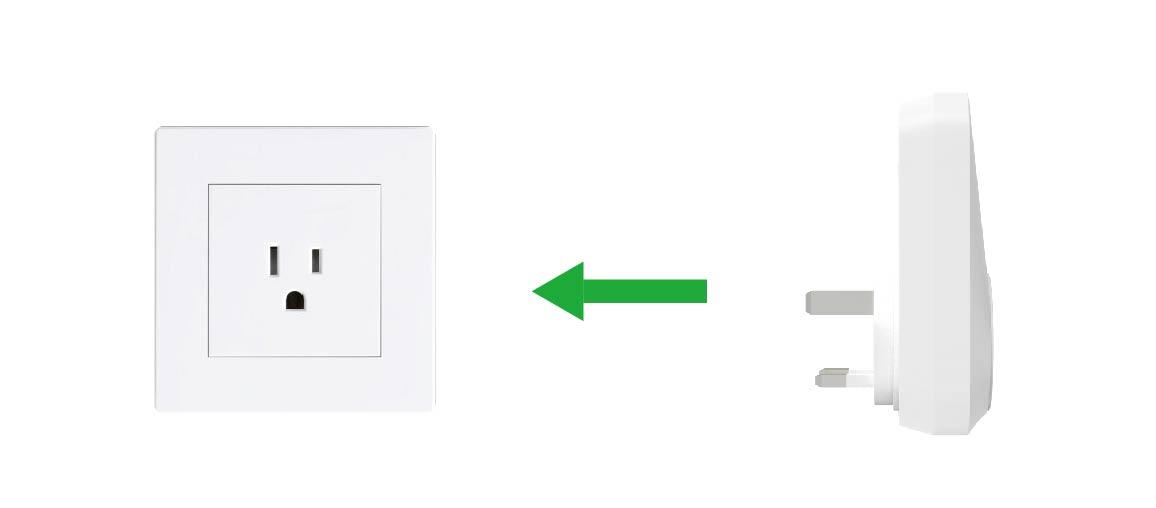
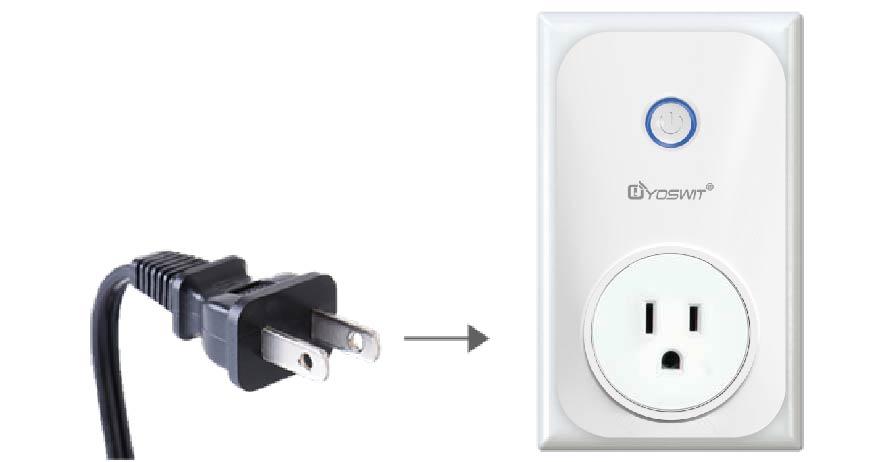
Insert the Smart Plug into the wall outlet hole.
3
Insert the plug of electric devices into the outlet hole of the Smart Plug.
4
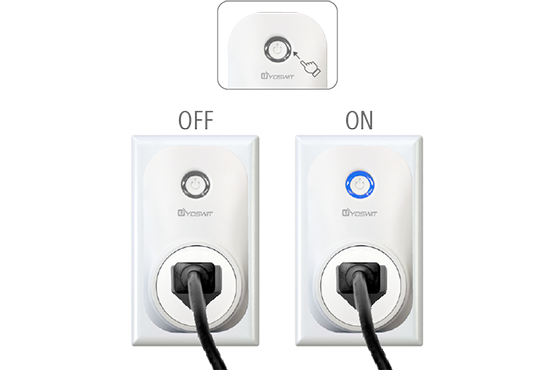
Turn on the power supply of the electric devices. Press the Power Button by tapping 2 to 3 times. Your devices will turn on/off.
| Download | ||
| Data Sheet | ||