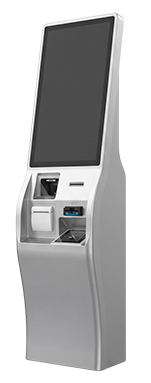
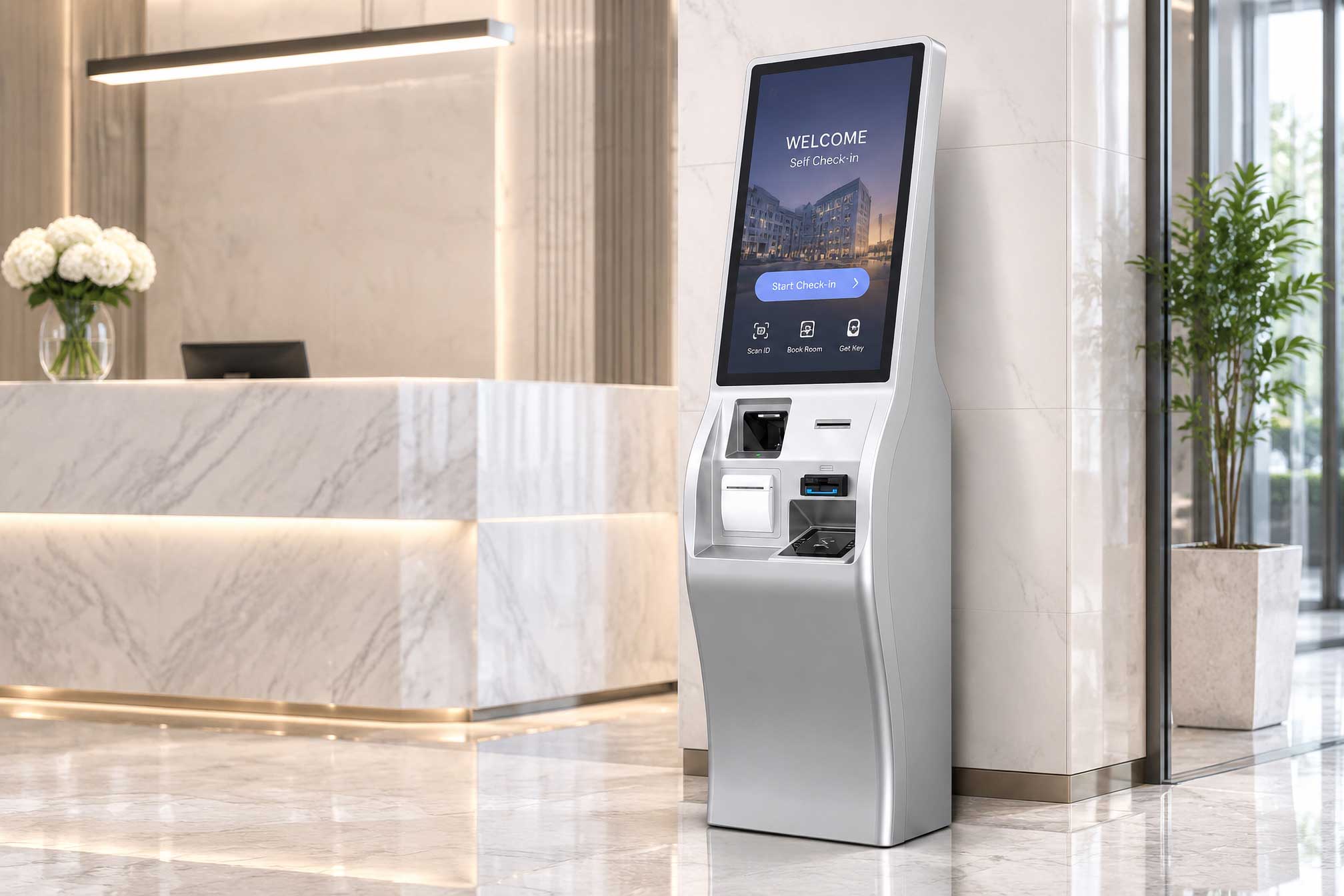
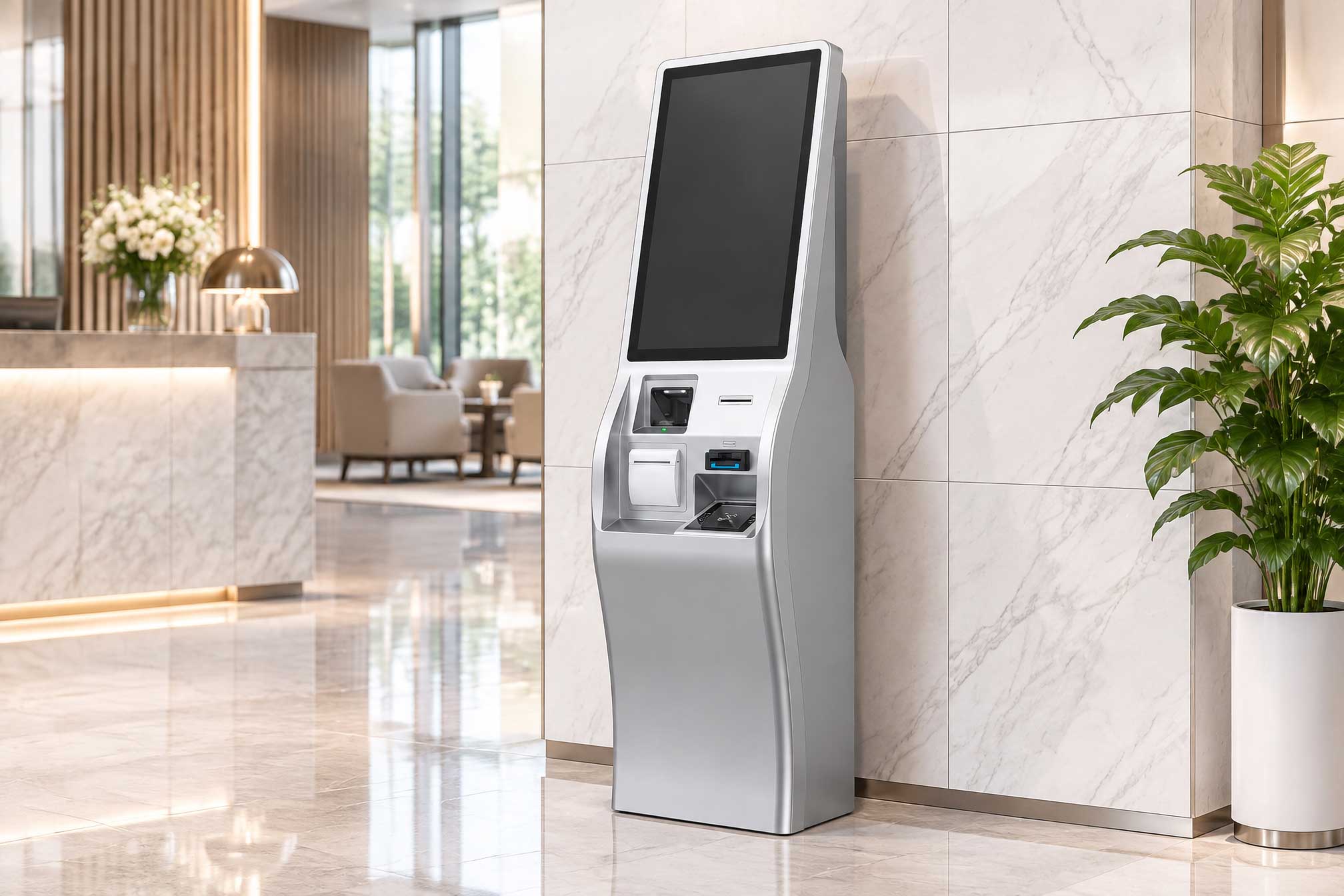
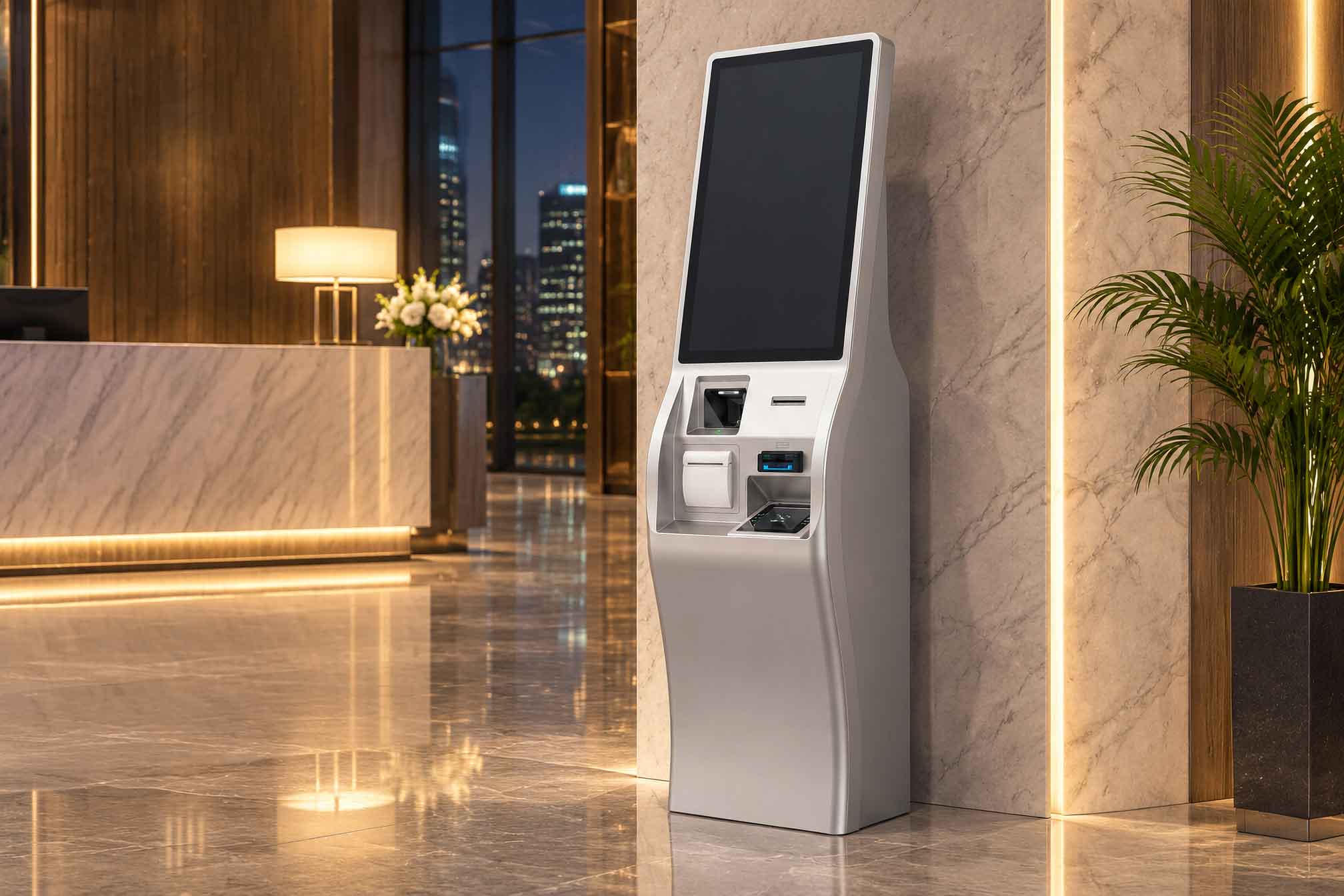
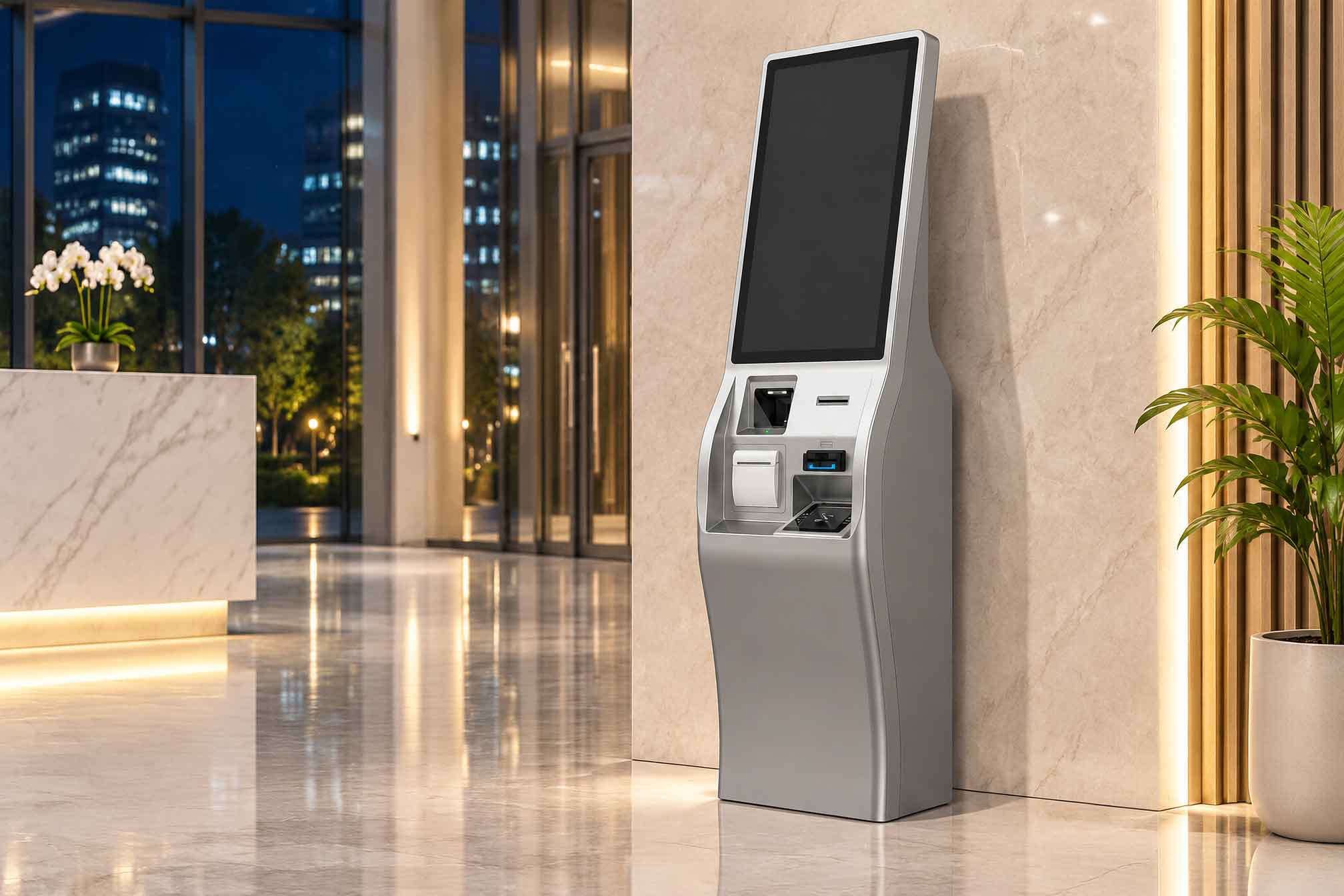
Self-service check-in kiosks
Product Code:
YO191-VK
Features
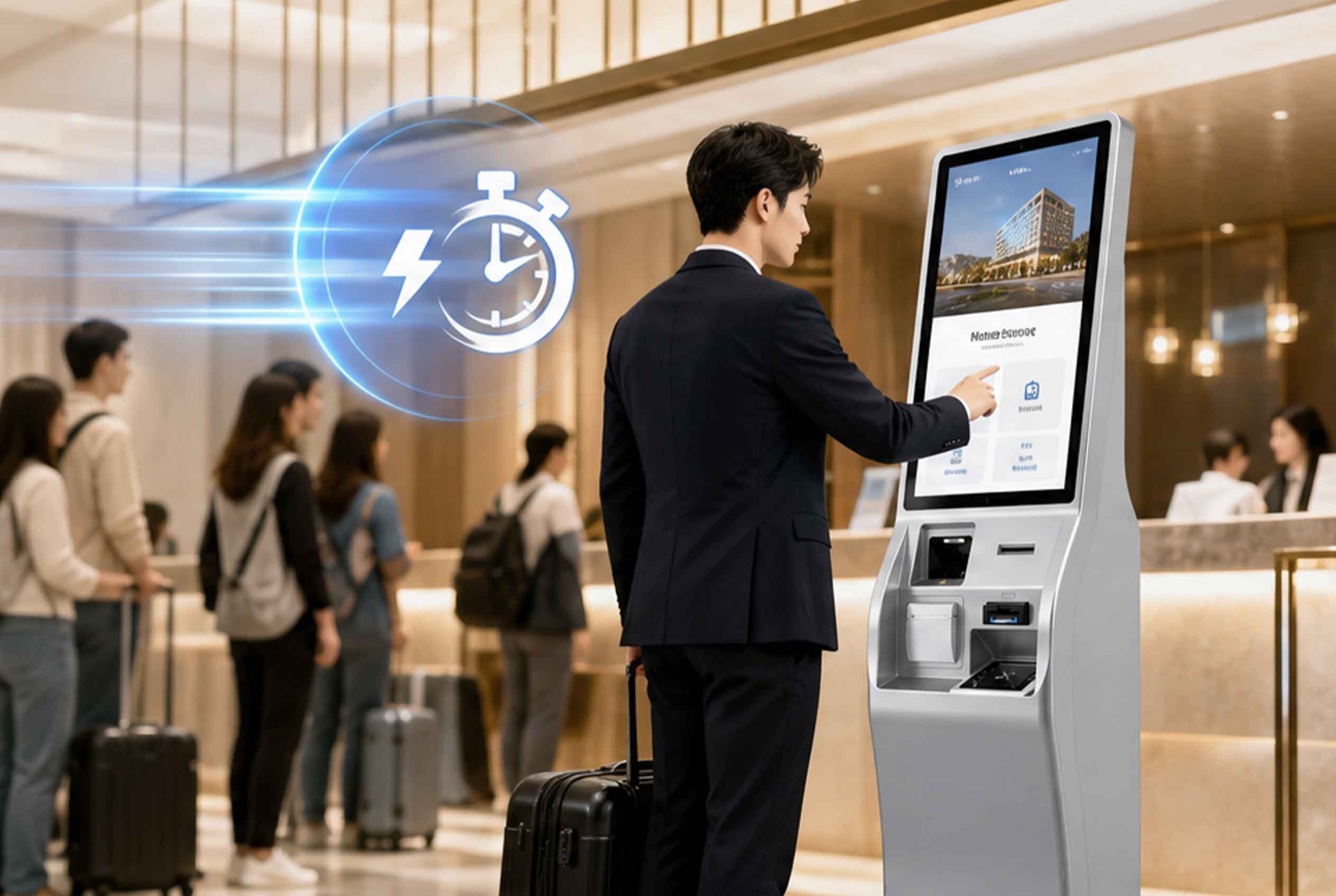
- Fast Processing, High Efficiency
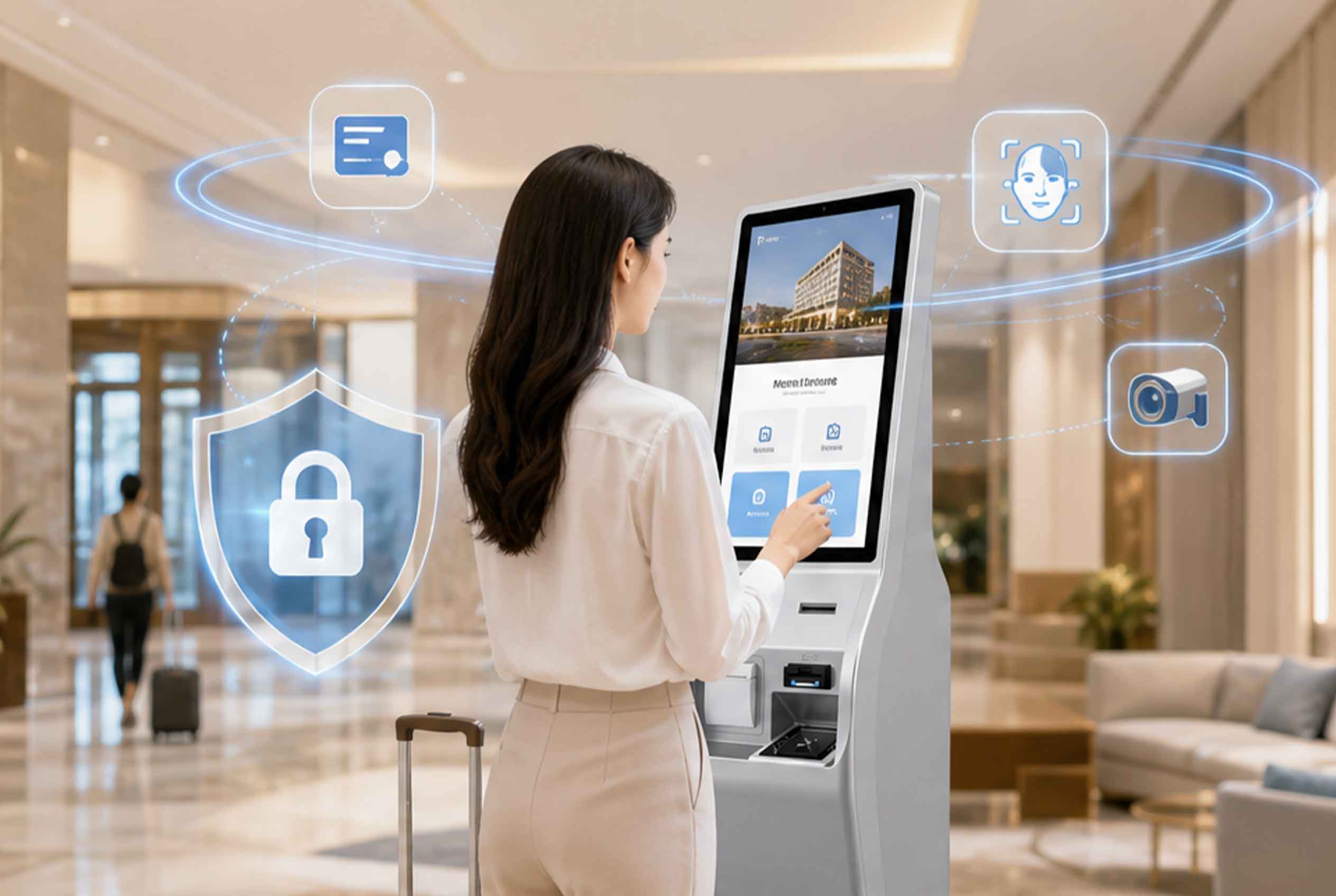
- Self-service Full Process & Secure Guarantee.
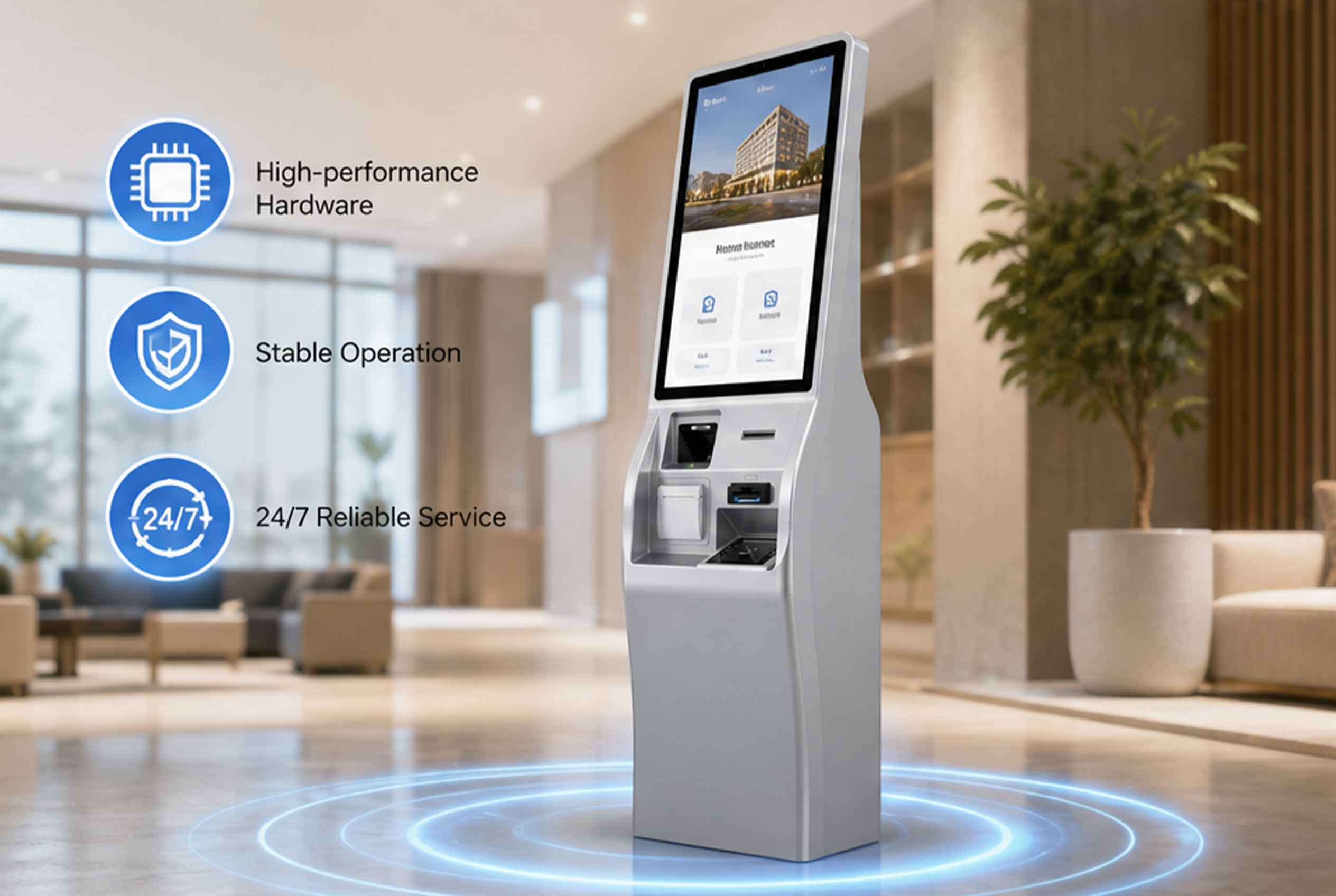
- Robust Hardware, Stable & Reliable
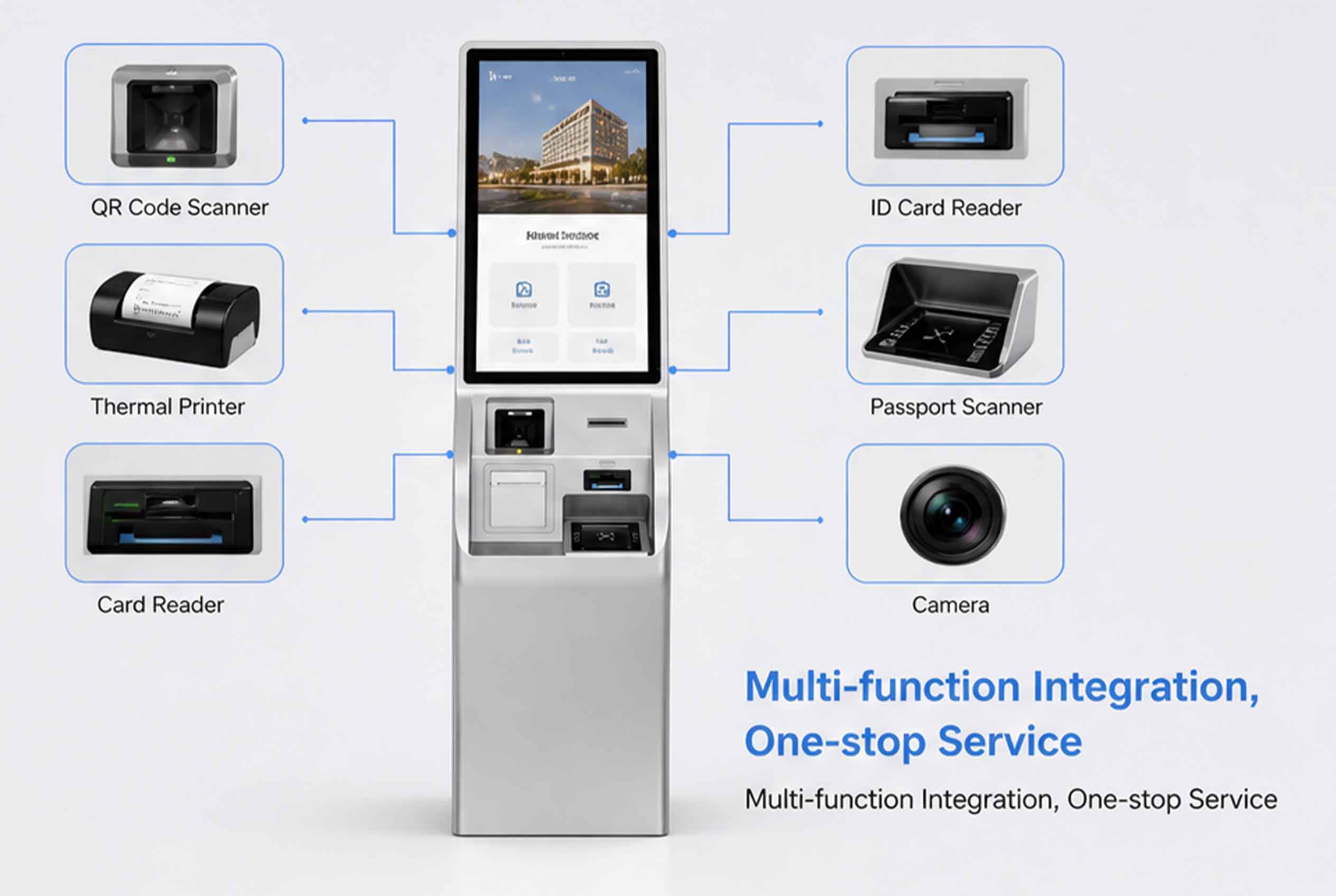
- Multi-function Integrated, One-stop Service

Features
Retrofit Compatibility
Designed for room-by-room upgrades in existing projects with minimal rewiring.
Product Ecosystem
Works with the Yoswit Smart Ready series for unified management.
System Integration
Integrates with apps, PMS, access control, and third-party systems on a project basis.
Communication Spec
Bluetooth 4.2 BLE low-power communication.
| General | ||
| Product Name |
Yoswit Smart Visitor Kiosk
|
|
| Model |
YO191-VK
|
|
| Revision |
V1.0
|
|
| Manufacturer |
Designed by Yoswit in Hong Kong, China / Assembled in Guangdong, China
|
|
| Dimensions | ||
| Product Size |
Custom specifications are available.
|
|
| Display Parameters | ||
| Operation Method |
Capacitive Touch Screen, Physical Button
|
|
| Type |
Colorful TFT LCD
|
|
| Operating Voltage |
24V DC±5%
|
|
| Operating Temperature |
-10°C to 65°C
|
|
| Operating Humidity |
0%-95% RH, Non-Condensing
|
|
| Screen Ratio |
16:9
|
|
WARNING!

Disconnect Power
To prevent severe shock or electrocution, always disconnect the power at the service panel before installation. Only licensed electricians should carry out the installation.
Basic Installation
1
Mount the kiosk panel securely to the stand or wall bracket.
2
Connect the power and Ethernet cable.
3
Power on the terminal and wait for system startup.
4
Set up network and connect to hotel PMS.
5
Run function tests for scanner, printer and card dispenser.
6
Finish configuration and start self-service.
| Download | ||
| Data Sheet | ||